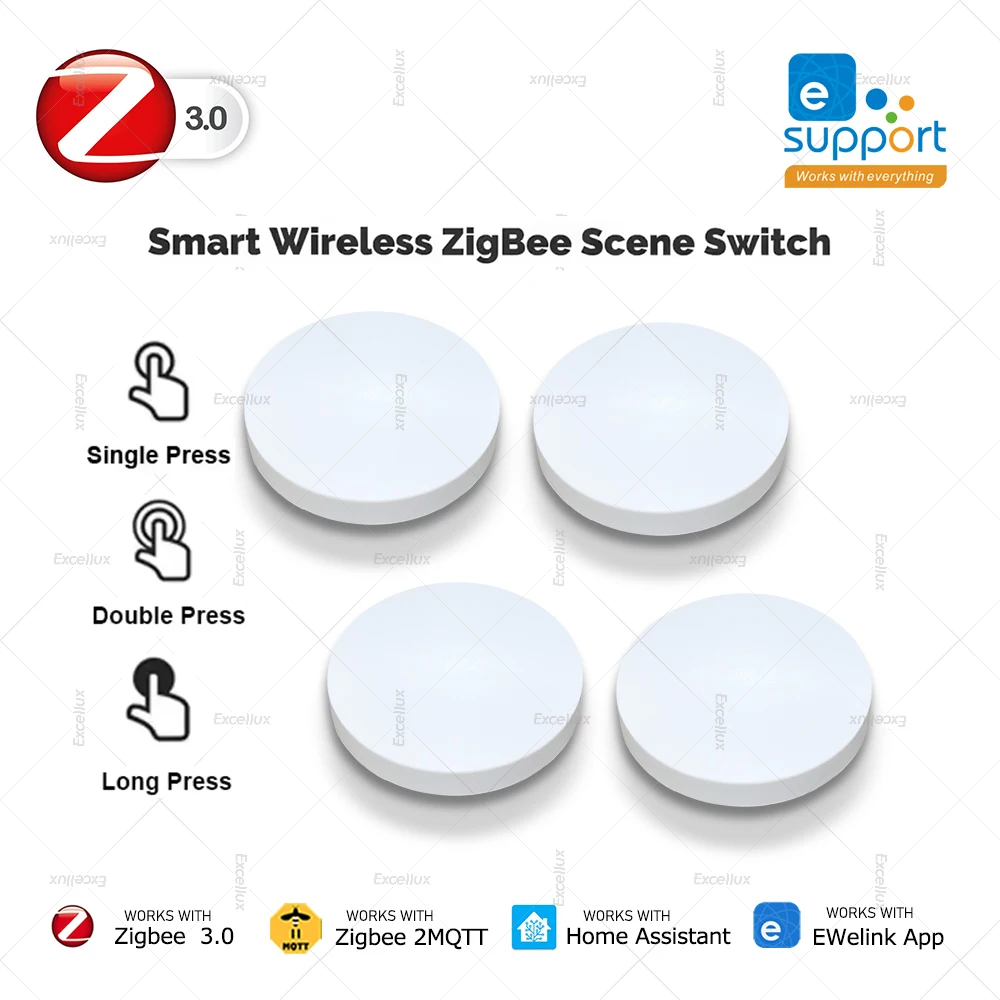
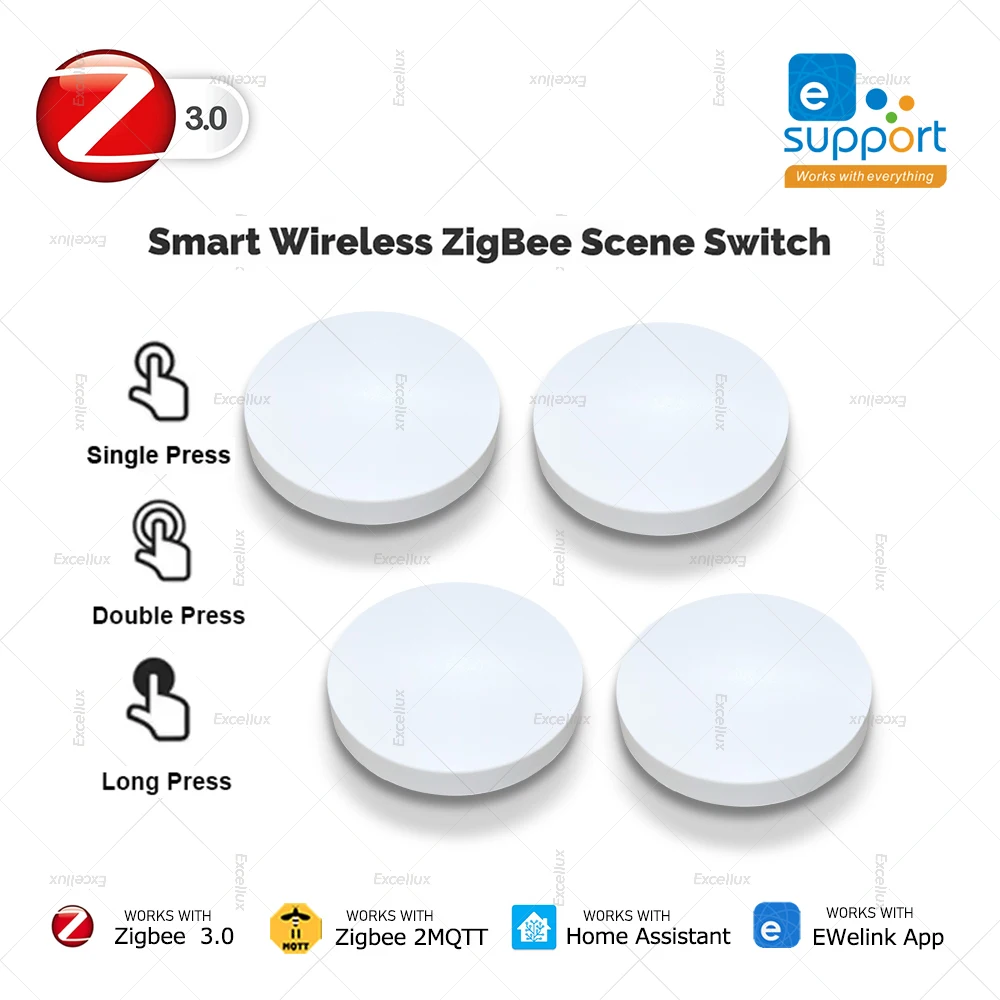
Zigbee Smart Wireless Button Switch Intelligent Scene Linkage Switch Smart Home Automation Support Home Assistant Zigbee 2mqtt
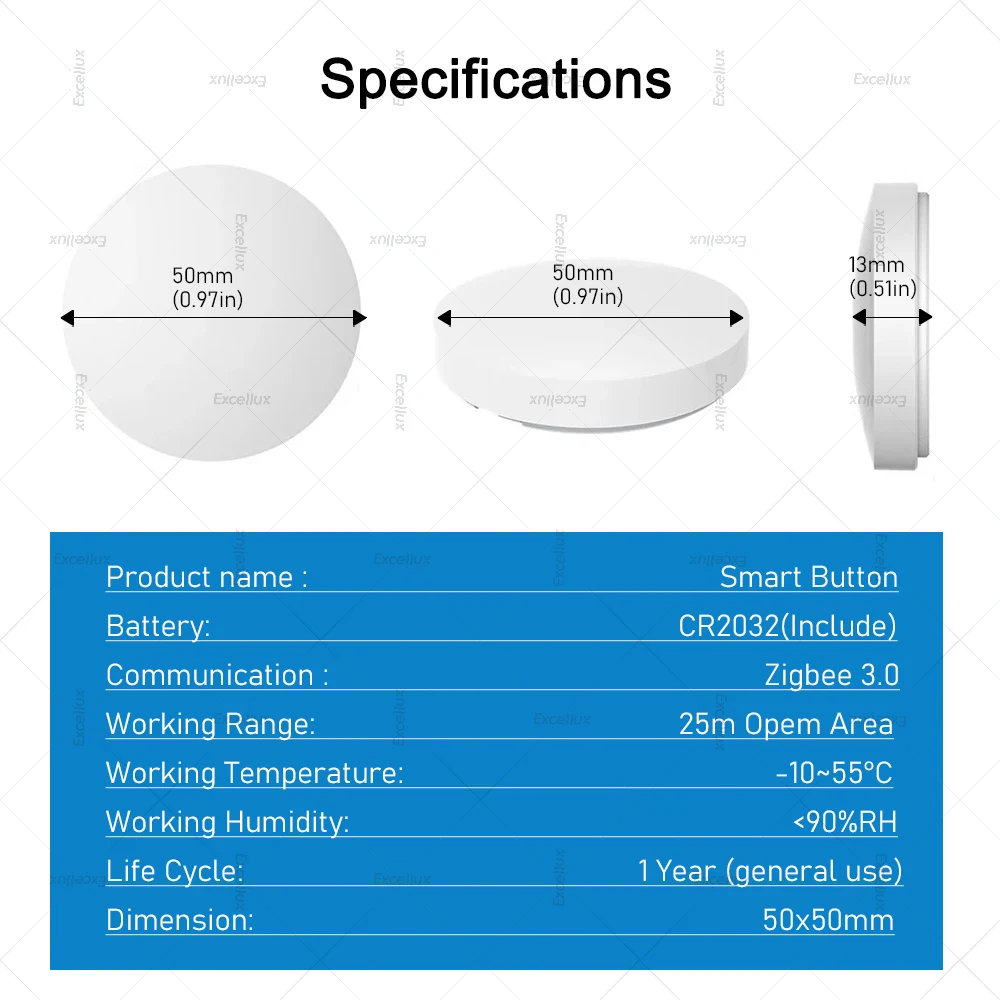
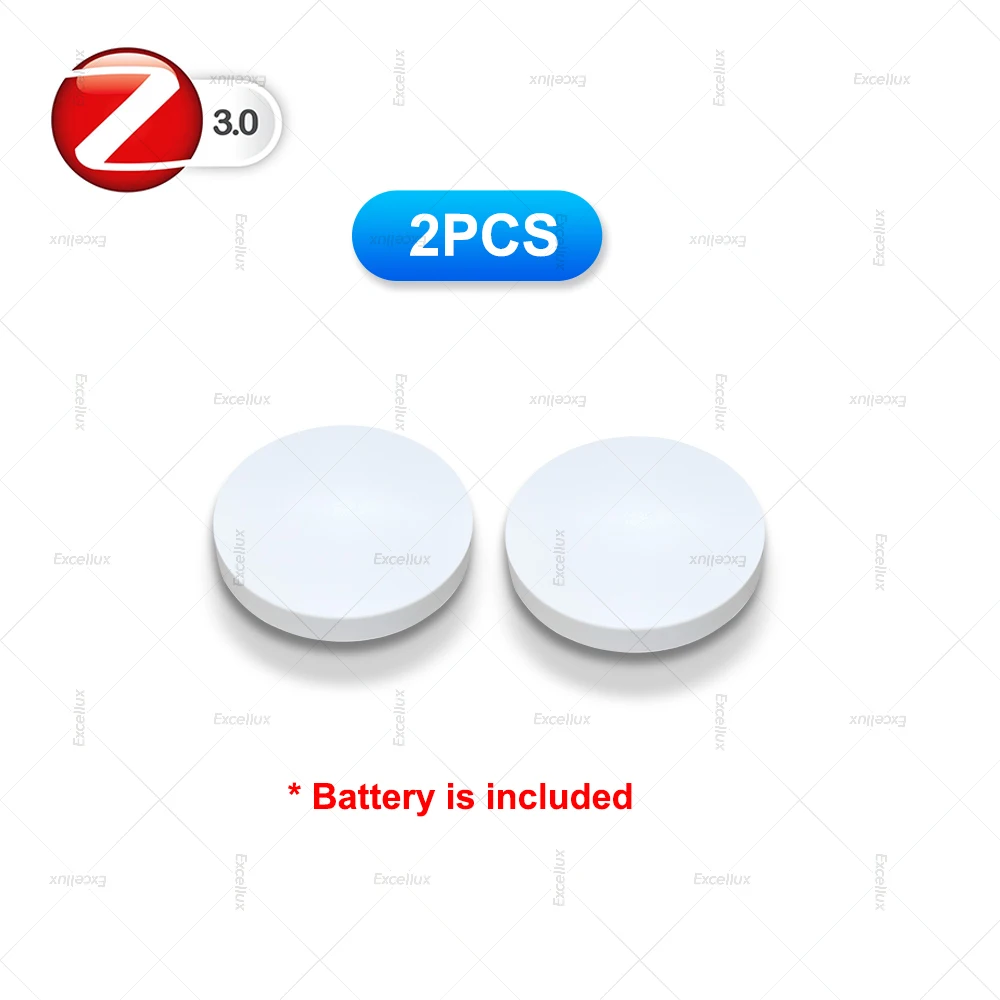
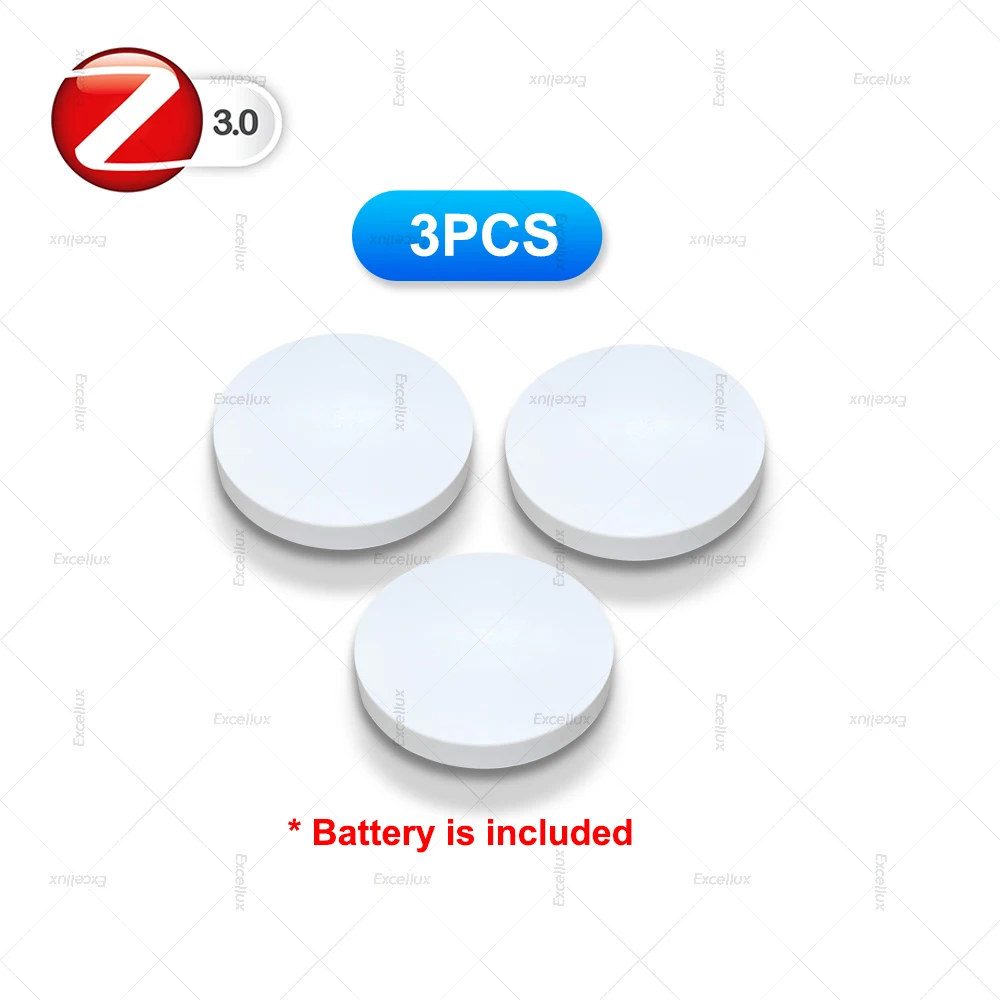
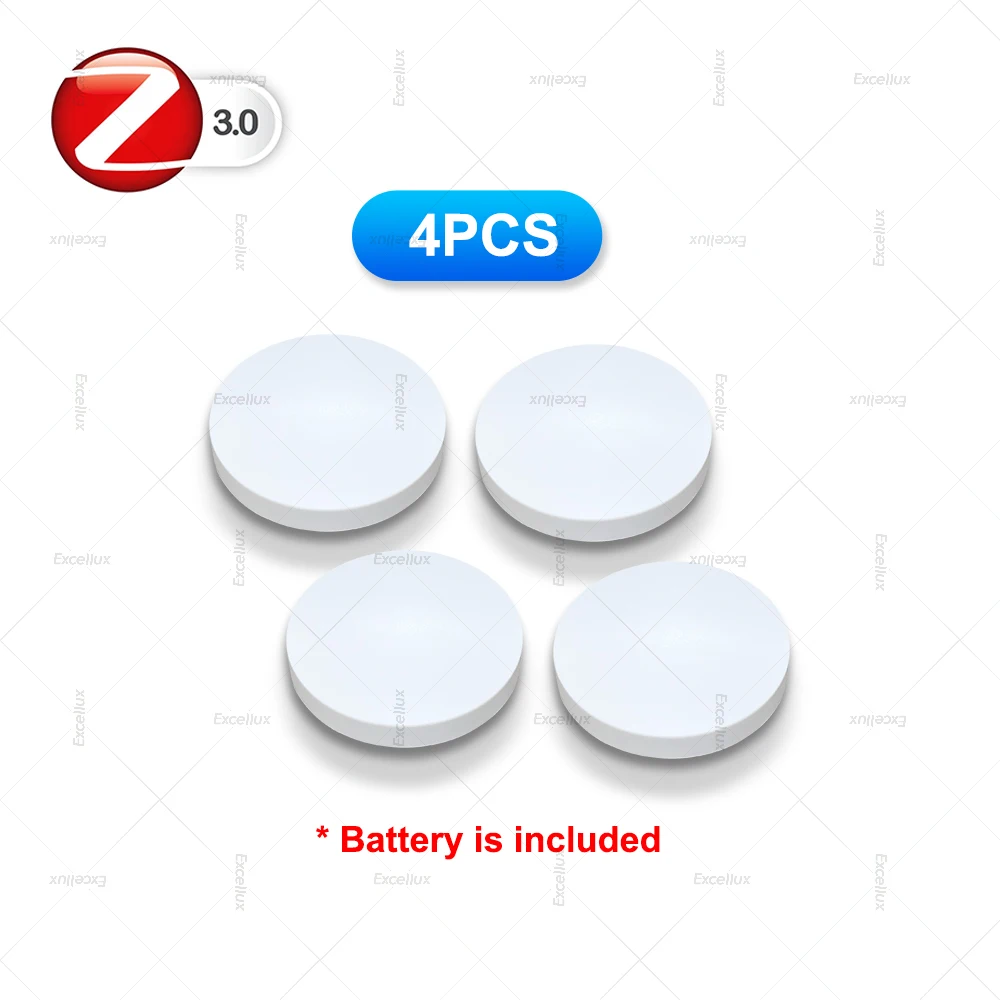
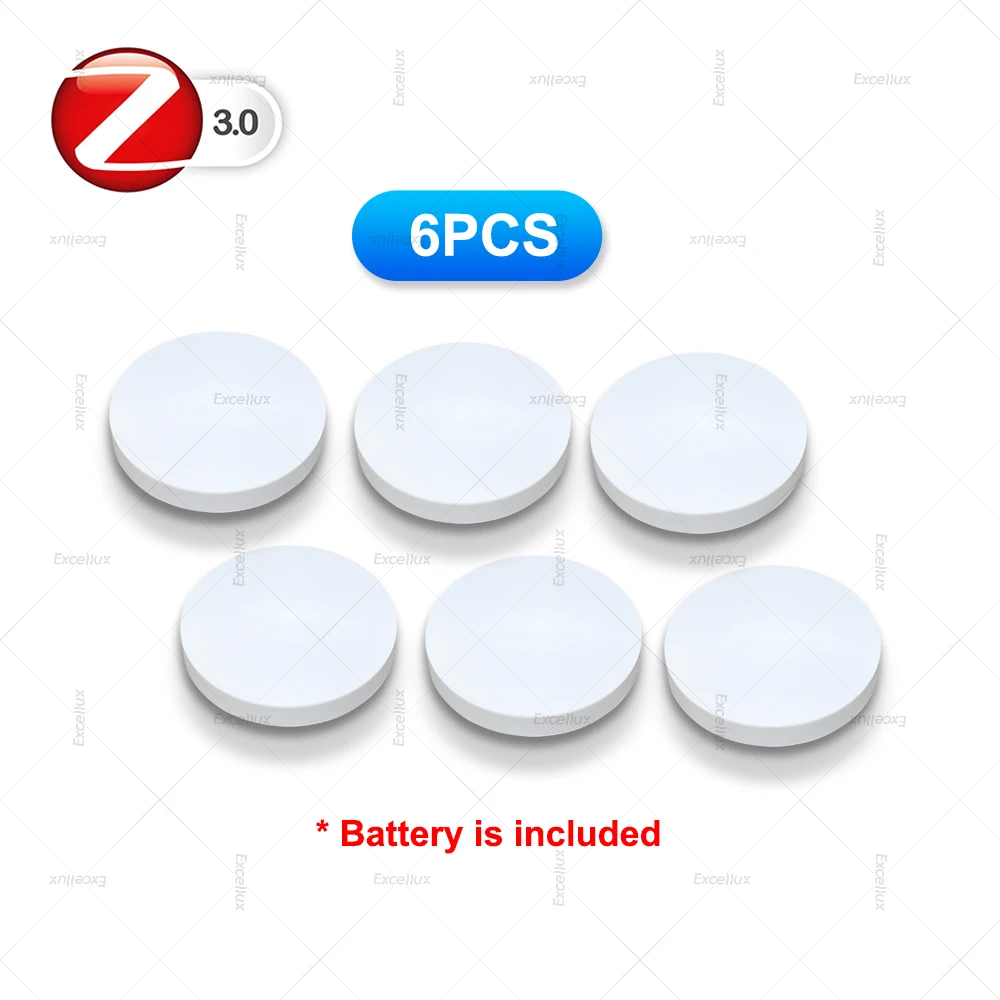
Specifications:Power supply: Battery CR2032 3V DC(included)Communication: Zigbee 3.0 *(zigbee hub is needed, suggest for eweink zigbee hub ,not for tuya zigbee hub )Control distance: 30m open areaDimensions: 50 X 50mmOperating temperature: -10 °C~55 °CWorking Humidity: 0~99%RHLife of battery: 1 years (General use)【Two-in-one device for wireless scene】In the scene mode, the button respectively support single click, double click scene requirements. You don't need to click the scene mode on yo
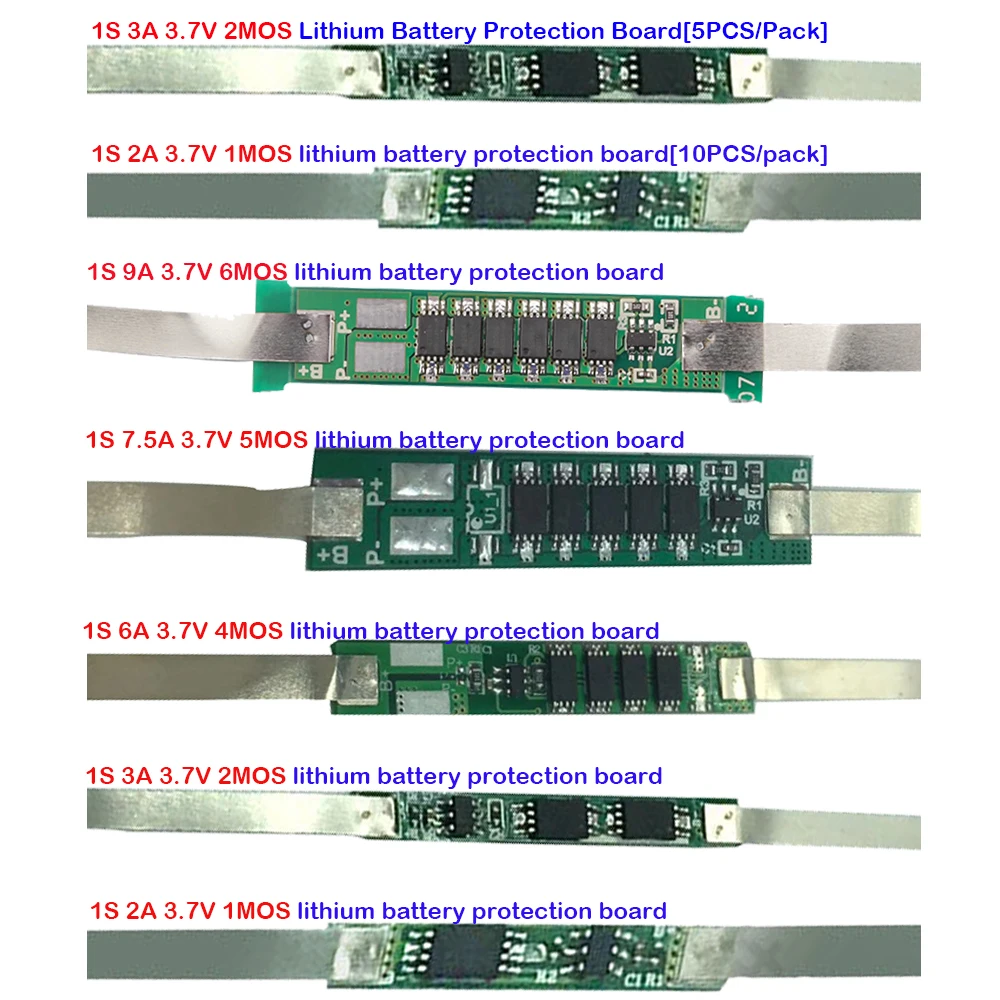
- High-efficiency voltage regulation with low thermal dissipation
- Onboard safety features including short-circuit and over-temperature cuts
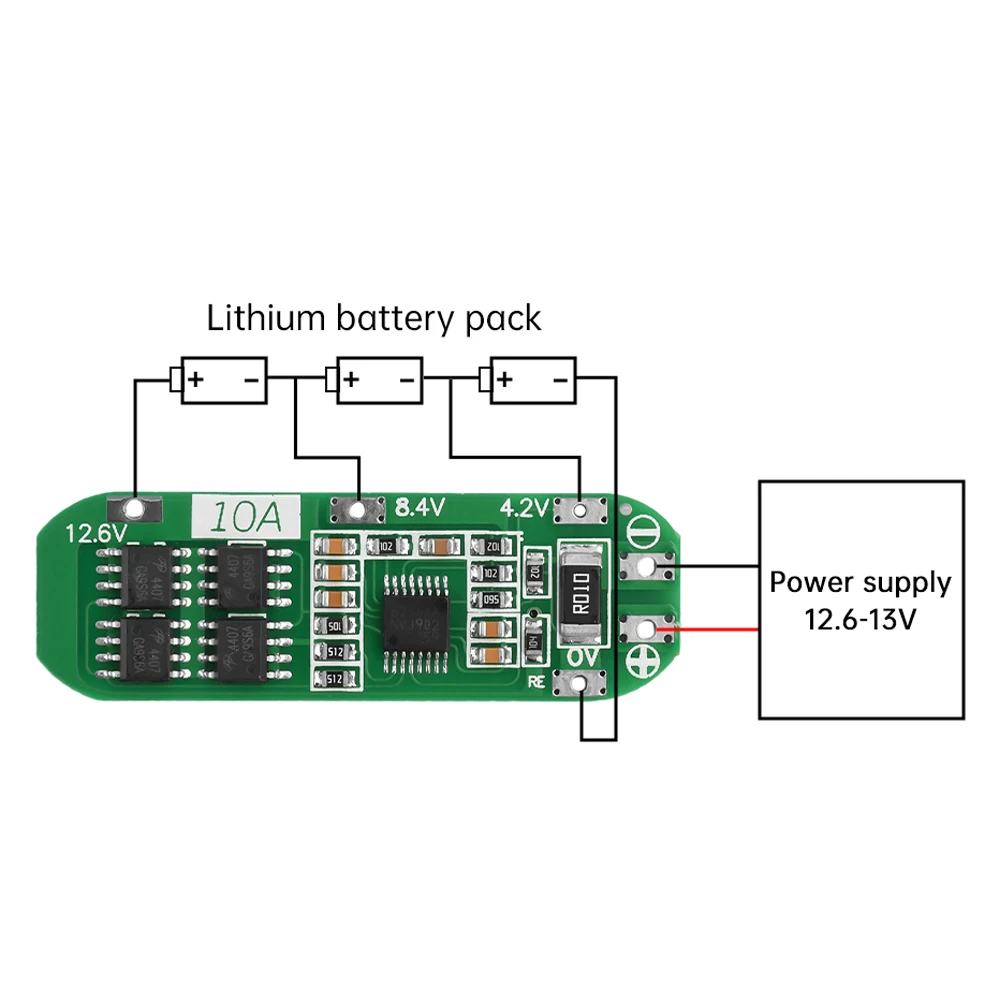
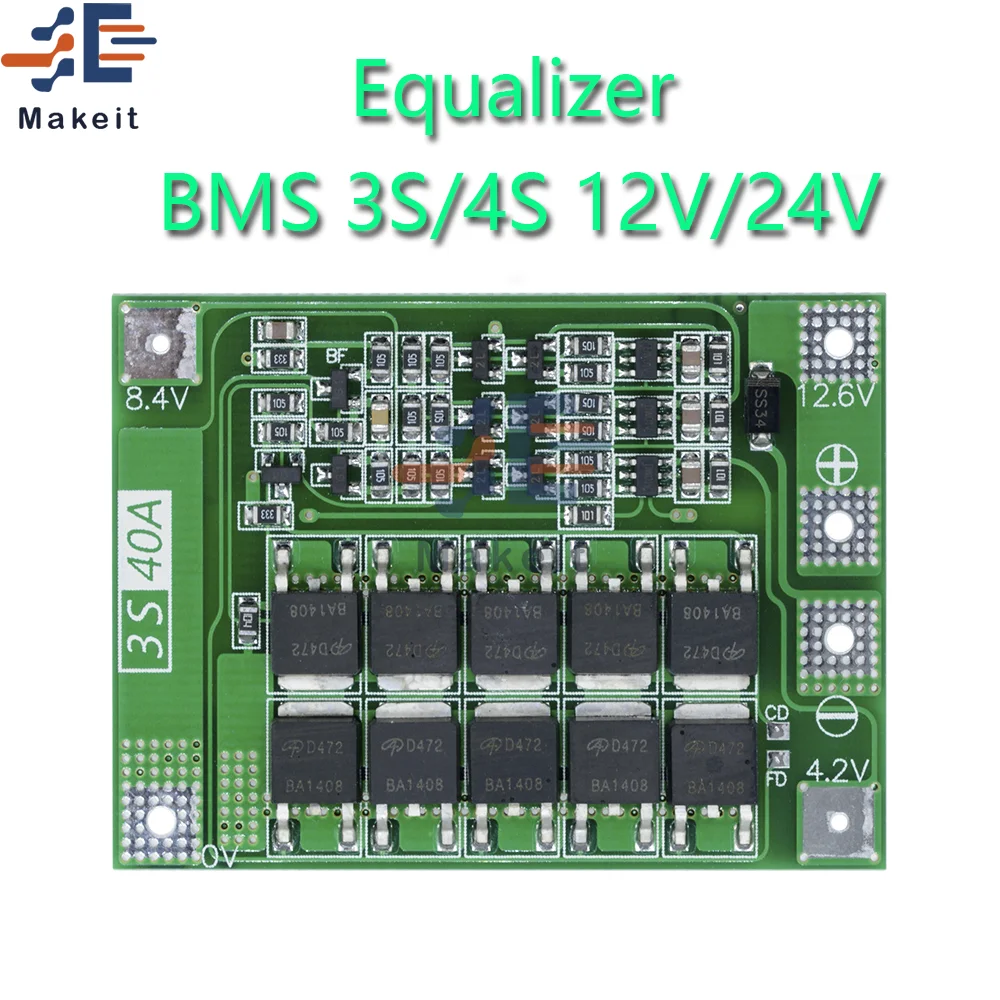
- Active cell balancing circuitry for extended battery pack health
- Compact footprint allowing easy embedding in tight enclosure builds
- Low output ripple voltage protecting sensitive analog sensor lines
- Durable solid-state capacitors and premium surface-mount components
- Clear terminal markings for fast and safe wire splicing setup
Need help before you buy?
Call iBuyRobotics for product guidance, compatibility questions, bulk orders, or support.
(855) I-BUY-ROBO (855) 428-9762Specifications:
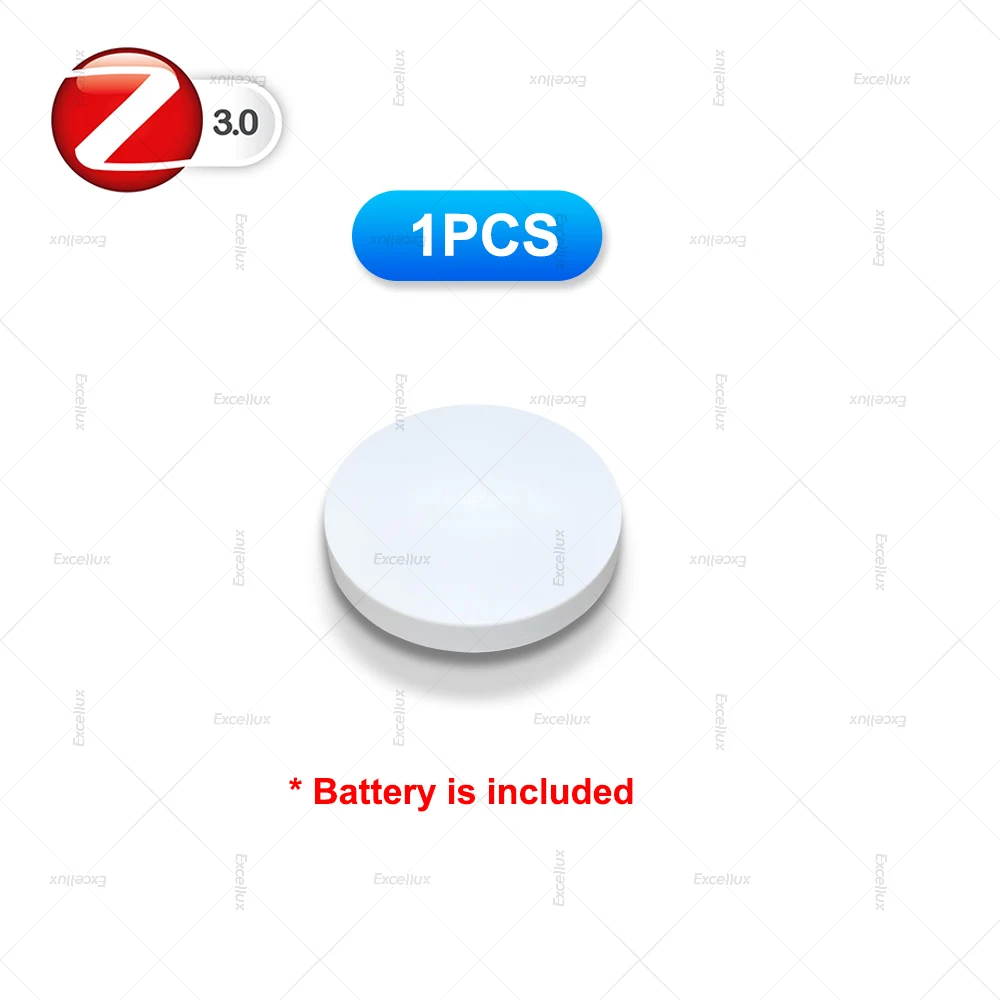
Power supply: Battery CR2032 3V DC(included)
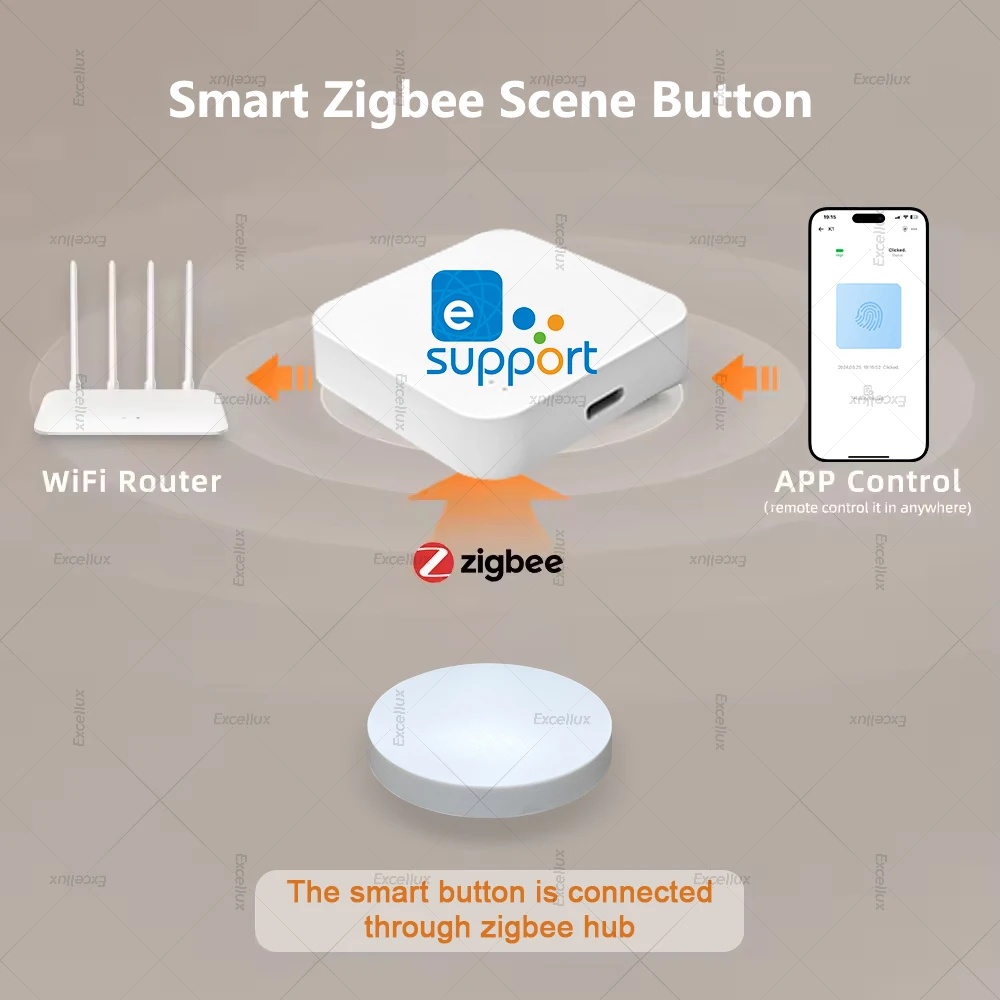
Communication: Zigbee 3.0 *(zigbee hub is needed, suggest for eweink zigbee hub ,not for tuya zigbee hub )
Control distance: 30m open area
Dimensions: 50 X 50mm
Operating temperature: -10 °C~55 °C
Working Humidity: 0~99%RH
Life of battery: 1 years (General use)
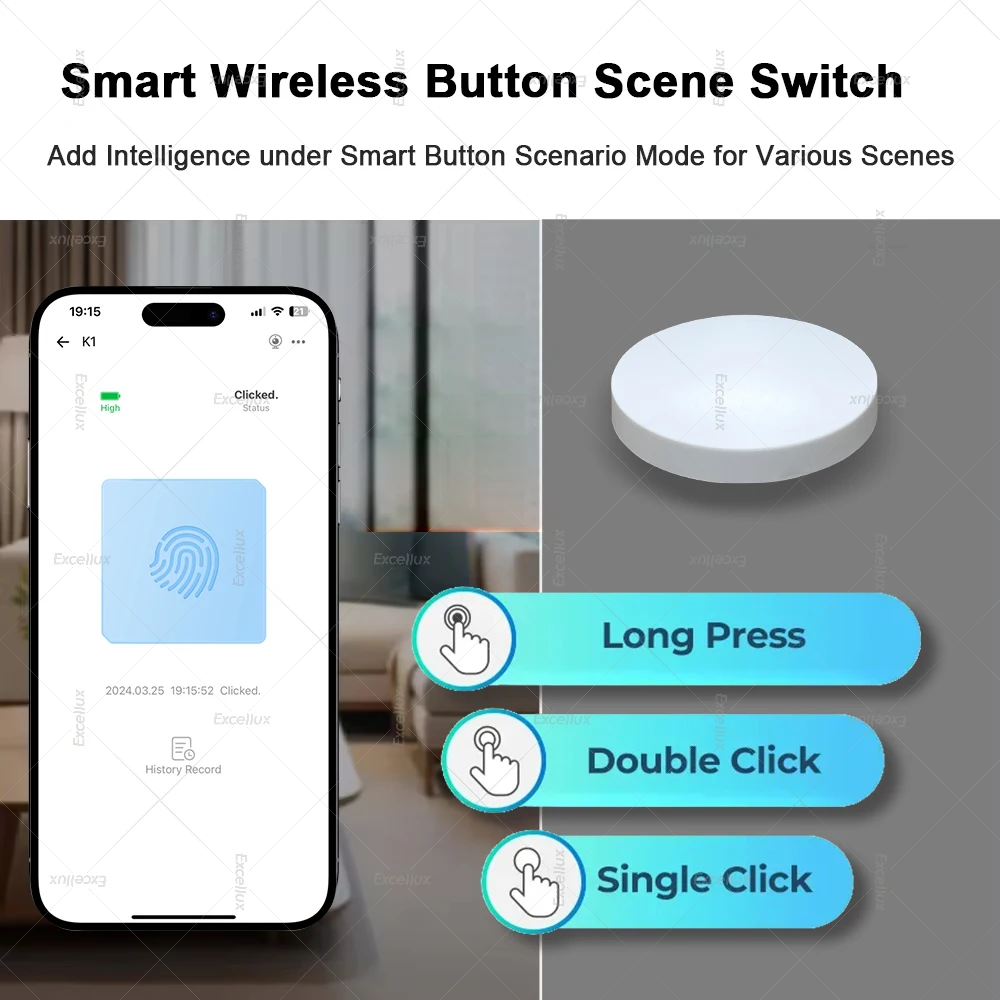
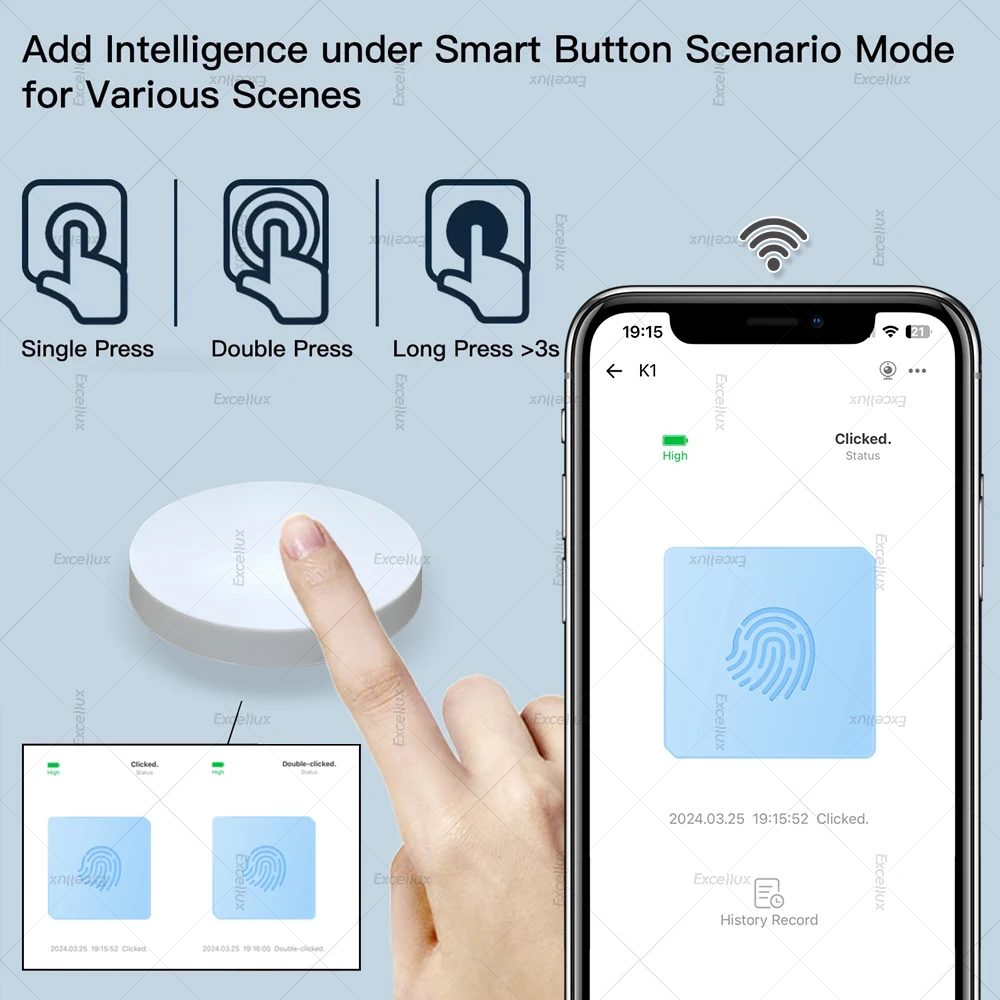
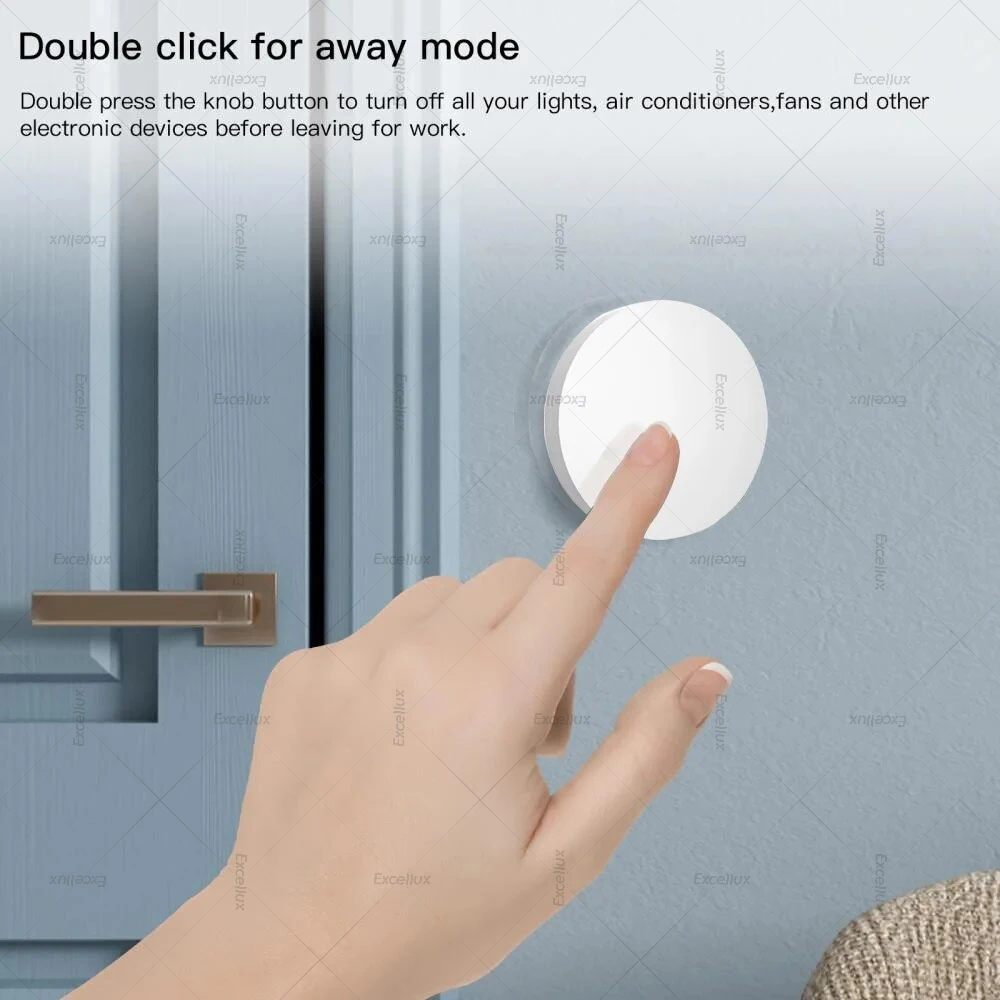
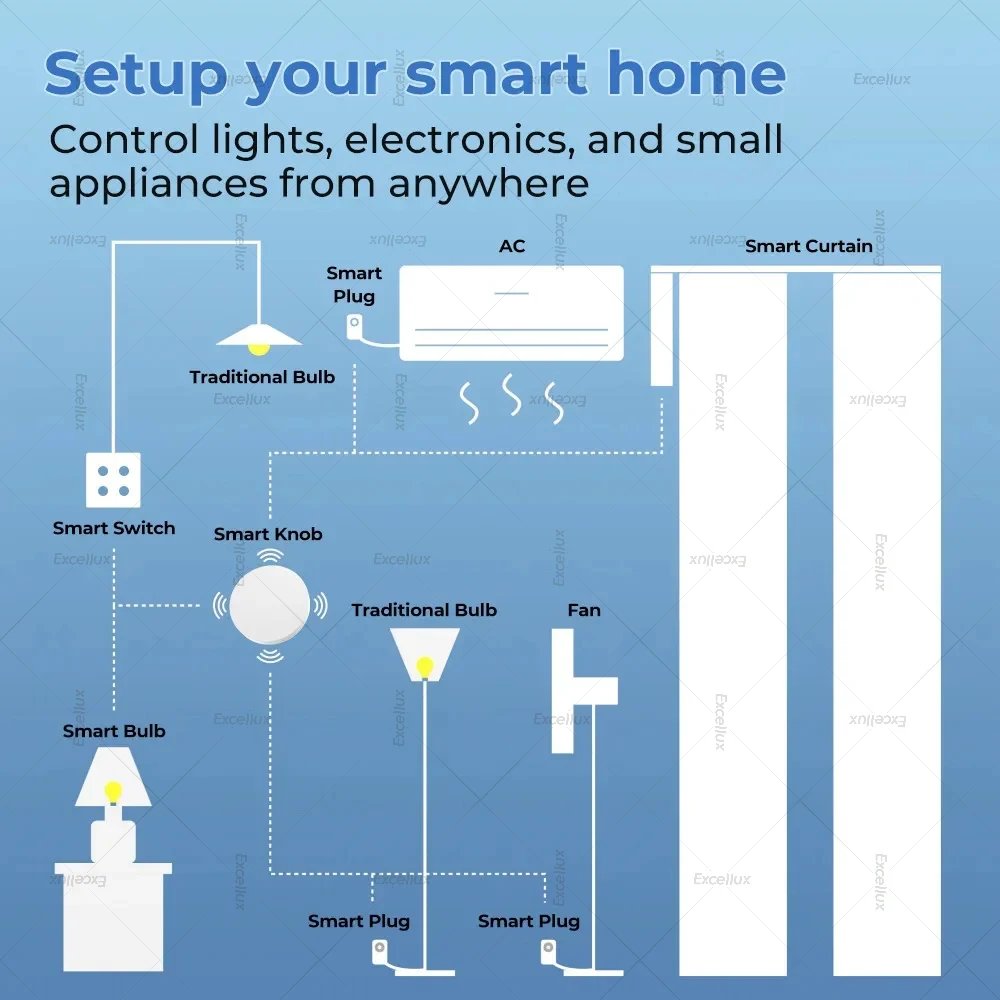
【Two-in-one device for wireless scene】In the scene mode, the button respectively support single click, double click scene requirements. You don't need to click the scene mode on your phone, just click the ZigBee smart remote control to open the smart scene.
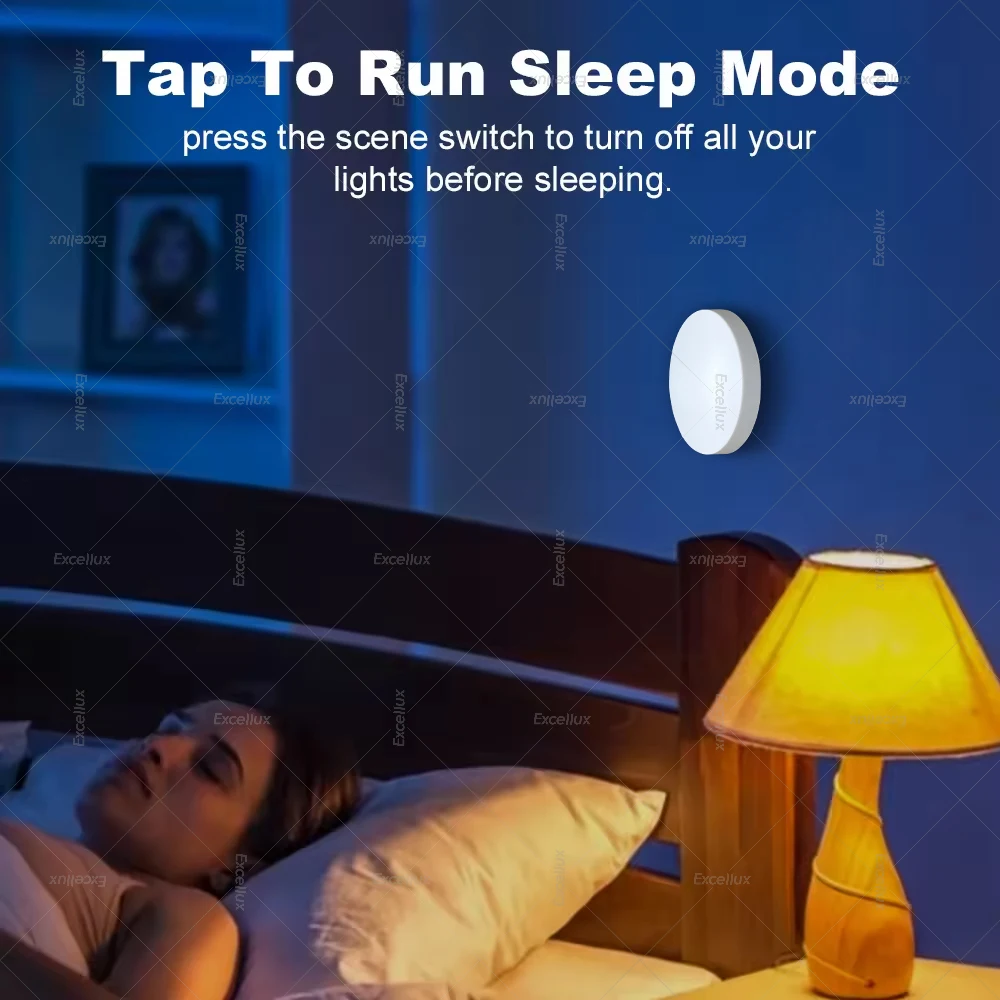
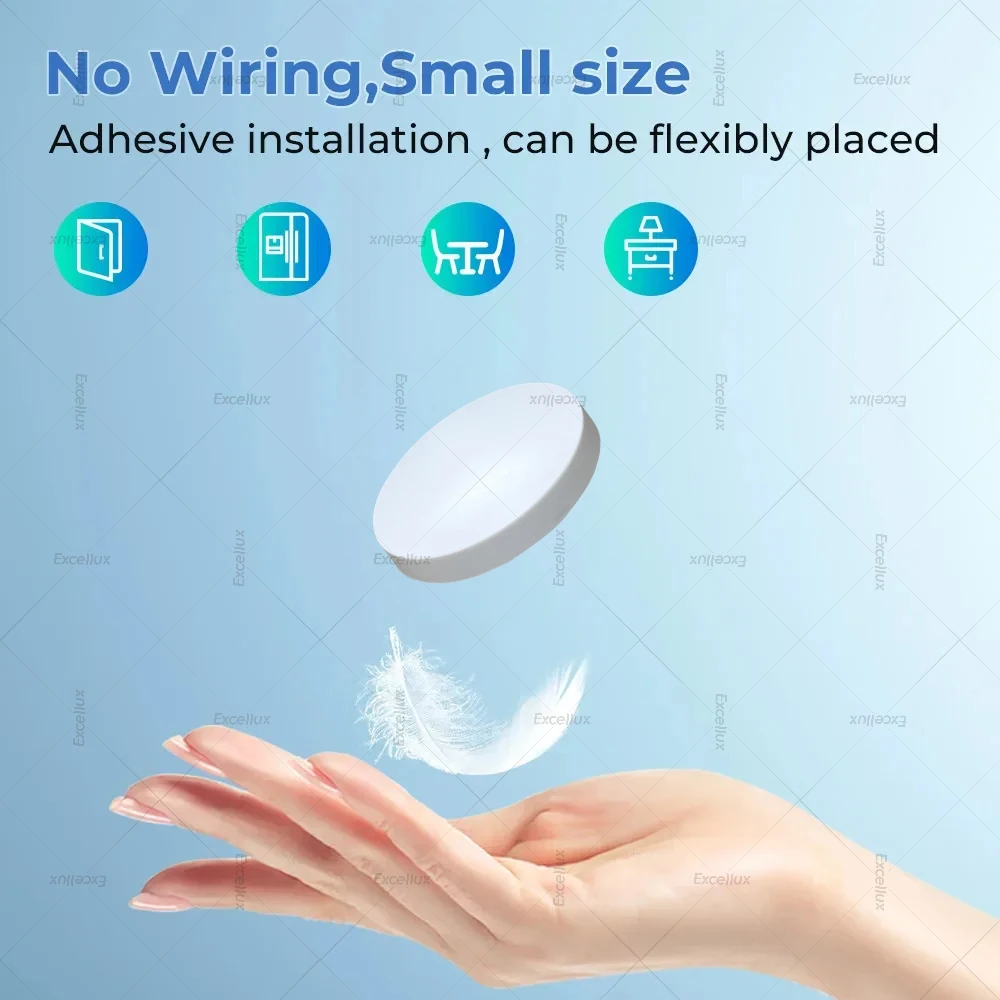
【No need to install】 Can be hung on the wall, can also be placed on the table, and you can get it at your fingertips.
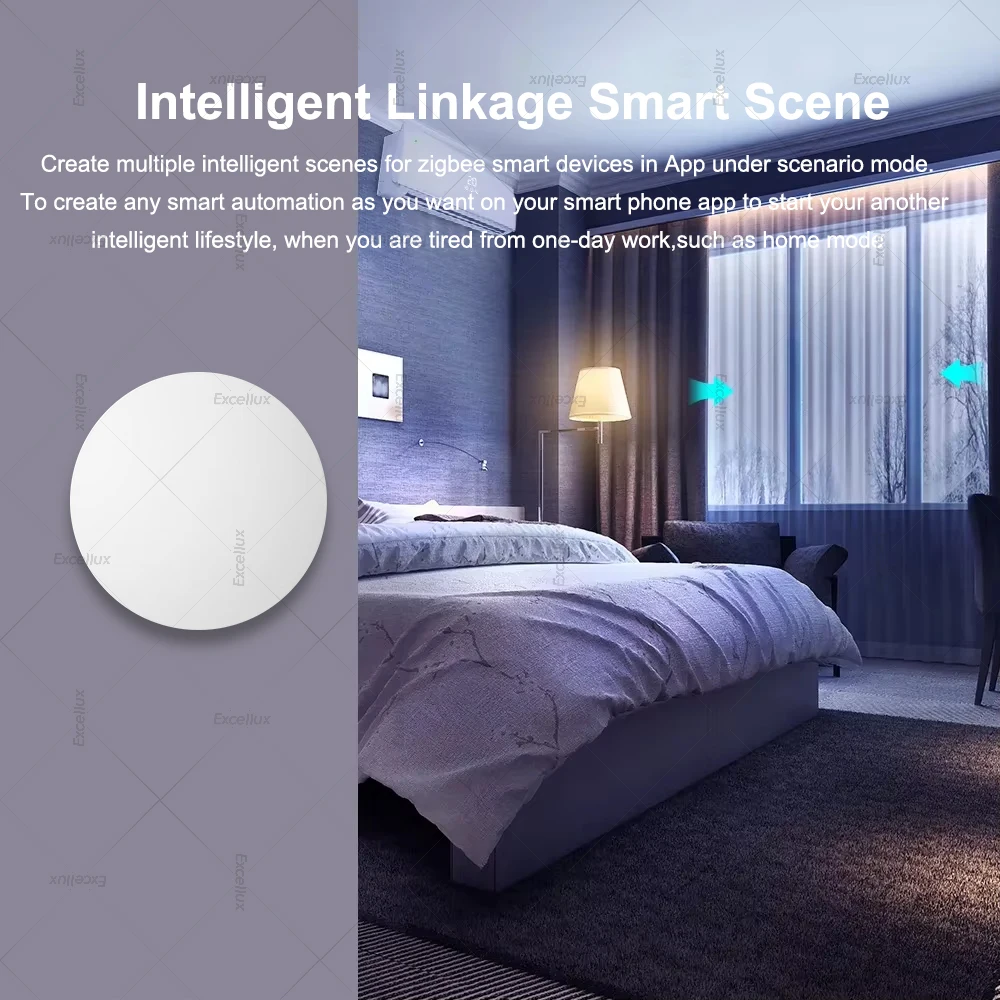
【Create multiple intelligent scenes for ewelink smart devices in App under scenario mode】To create any smart automation as you want on your smart phone app to start your another intelligent lifestyle, when you are tired from one-day work,such as home mode, waterproof level up to IP55 for wider applications.
【The scene button do not support for alexa nor google assistant voice control 】
Use Cases
DC-to-DC voltage conversion (buck or boost), battery pack cell monitoring, solar power integration, and high-current power distribution.
Compatibility Notes
Ensure input voltage rails do not exceed continuous limits. Compatible with standard LiPo/Li-ion cells and typical hobby chargers.
Frequently Asked Questions
A buck regulator steps down a higher input voltage to a lower regulated output voltage. A boost regulator steps up a lower input voltage to a higher output voltage.
Yes, it protects the connected battery cells against overcharge, over-discharge, over-current, and short-circuits during operation.
Ensure the maximum draw of your motors and logic boards is lower than the continuous current capacity of this regulatory module.
Related Products
Other products in Battery Management Systems that you may find useful.