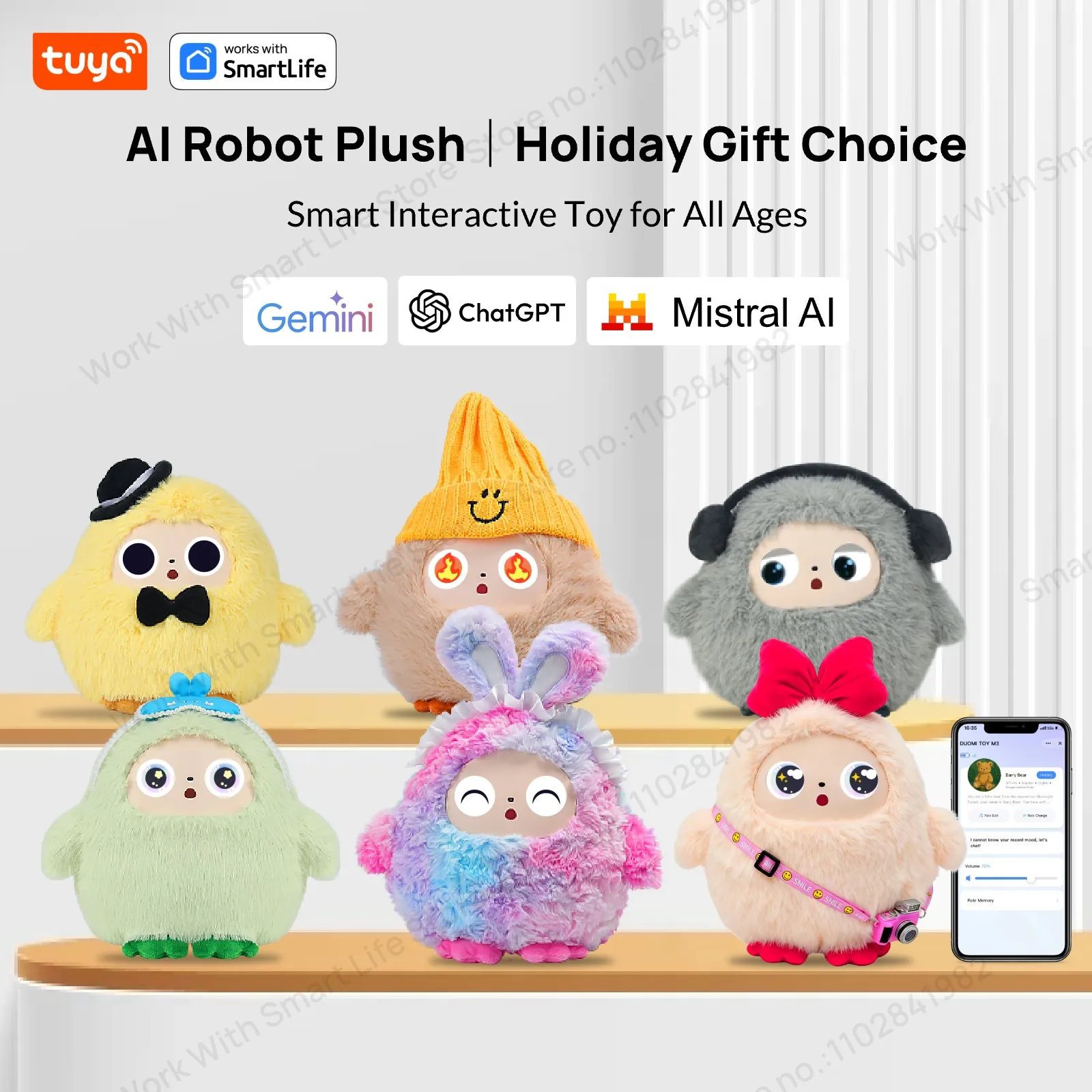
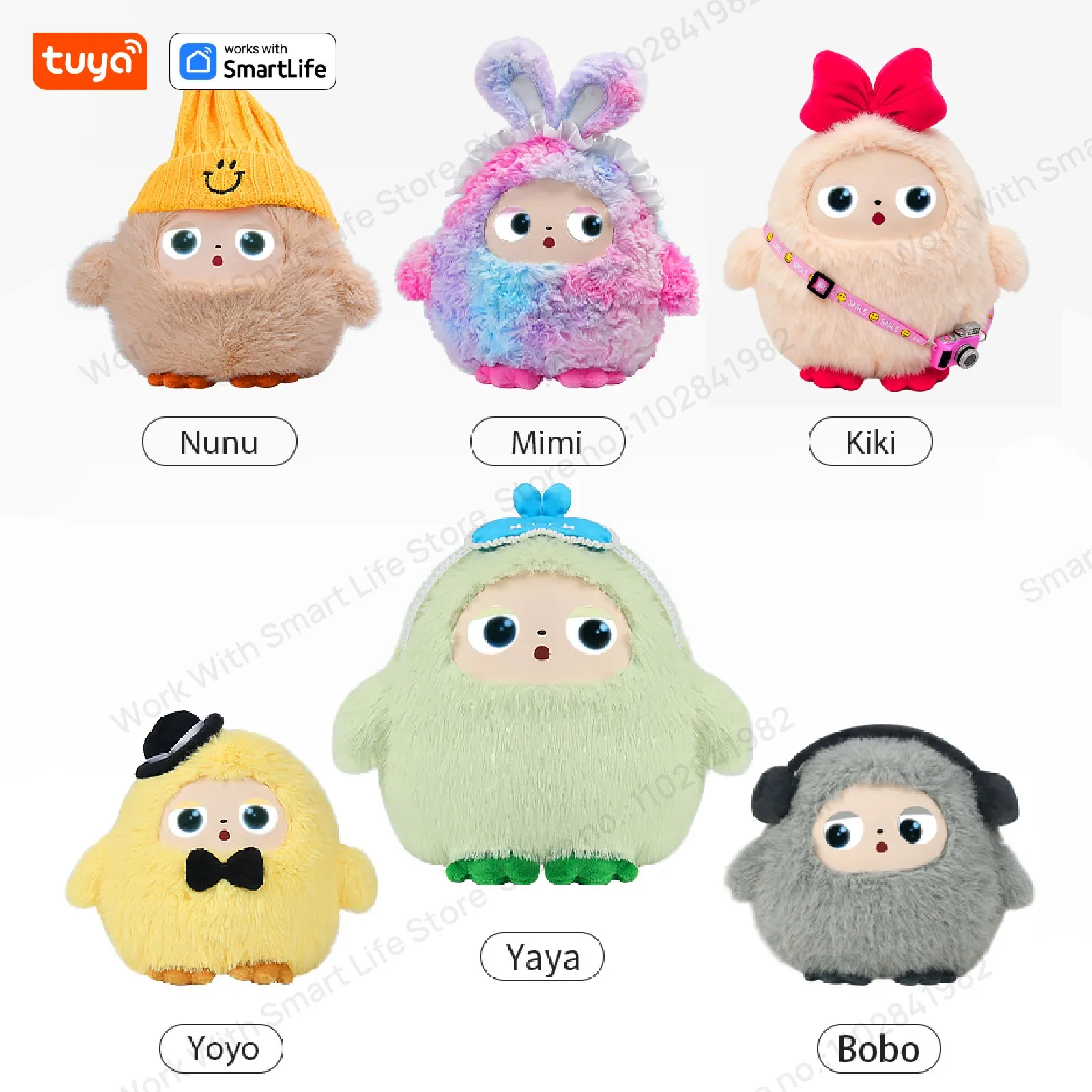
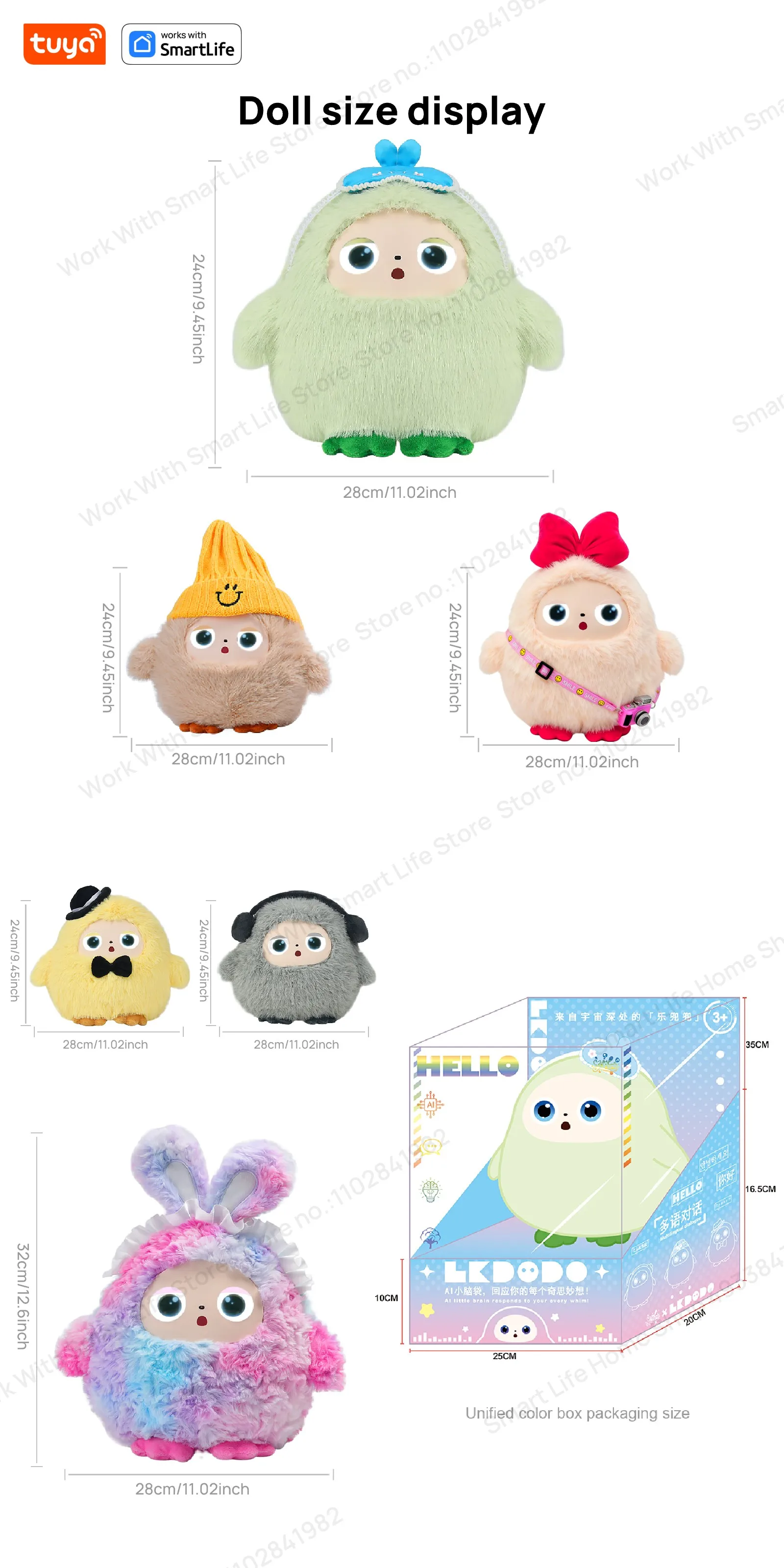
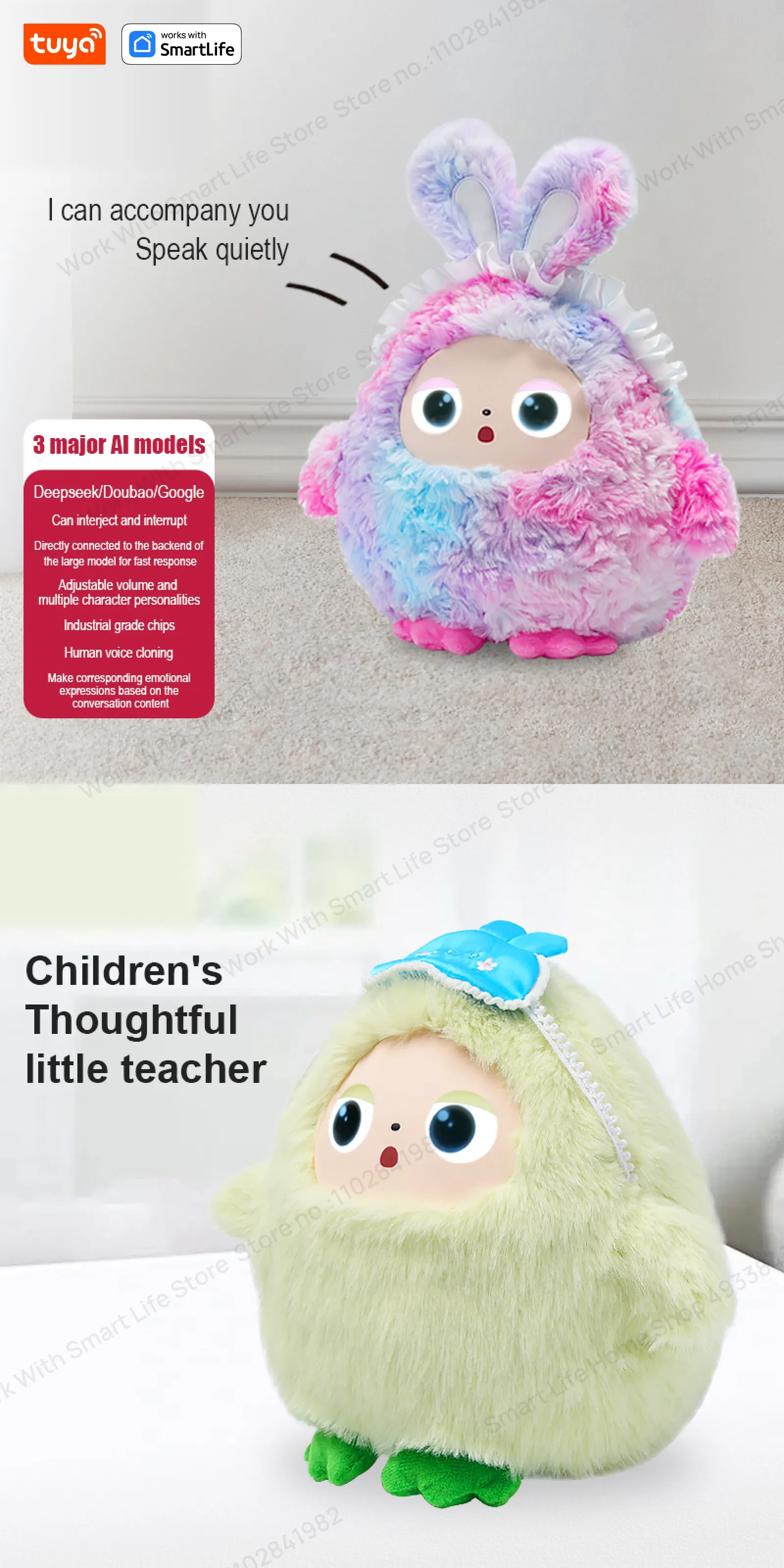
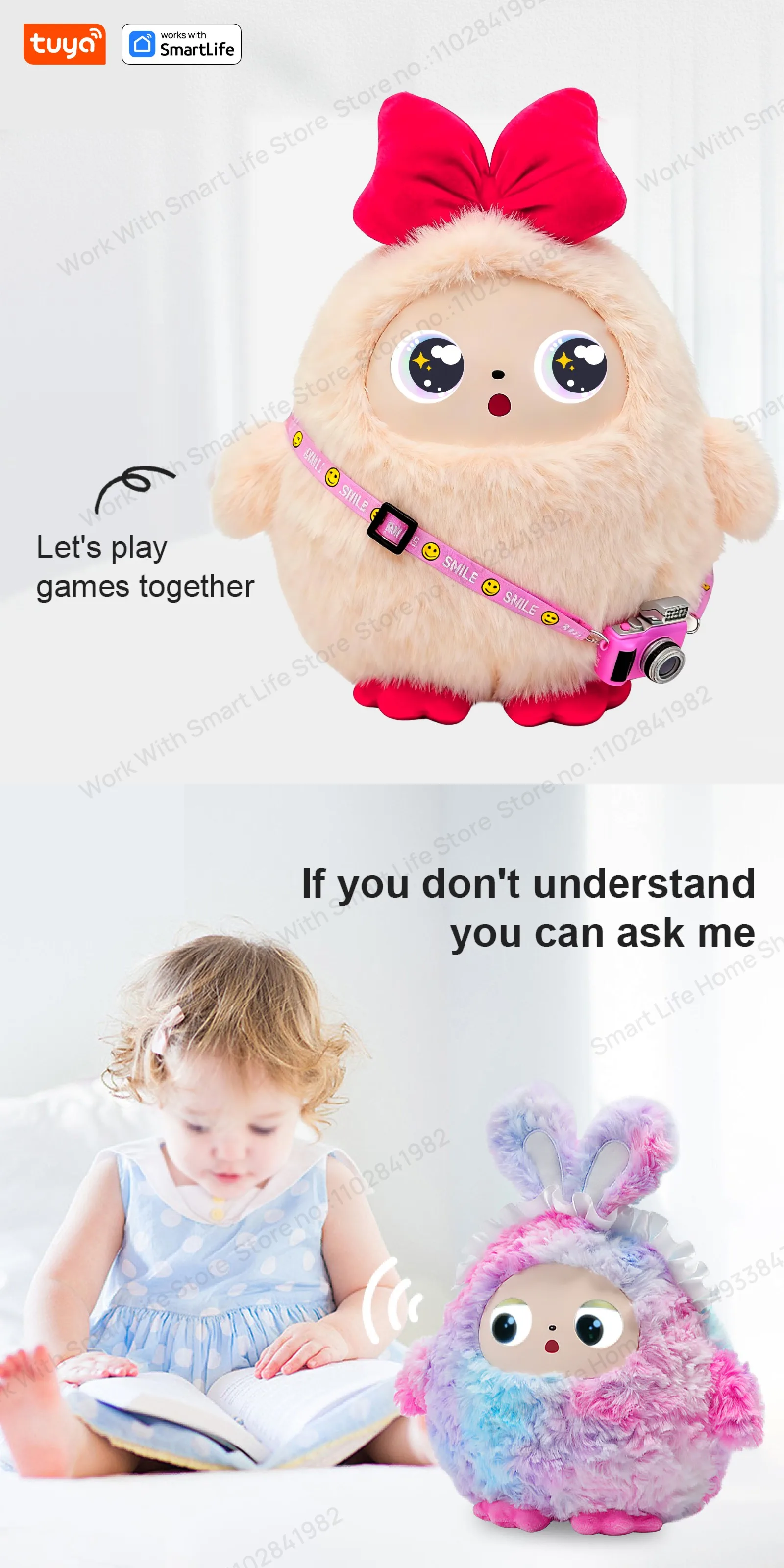
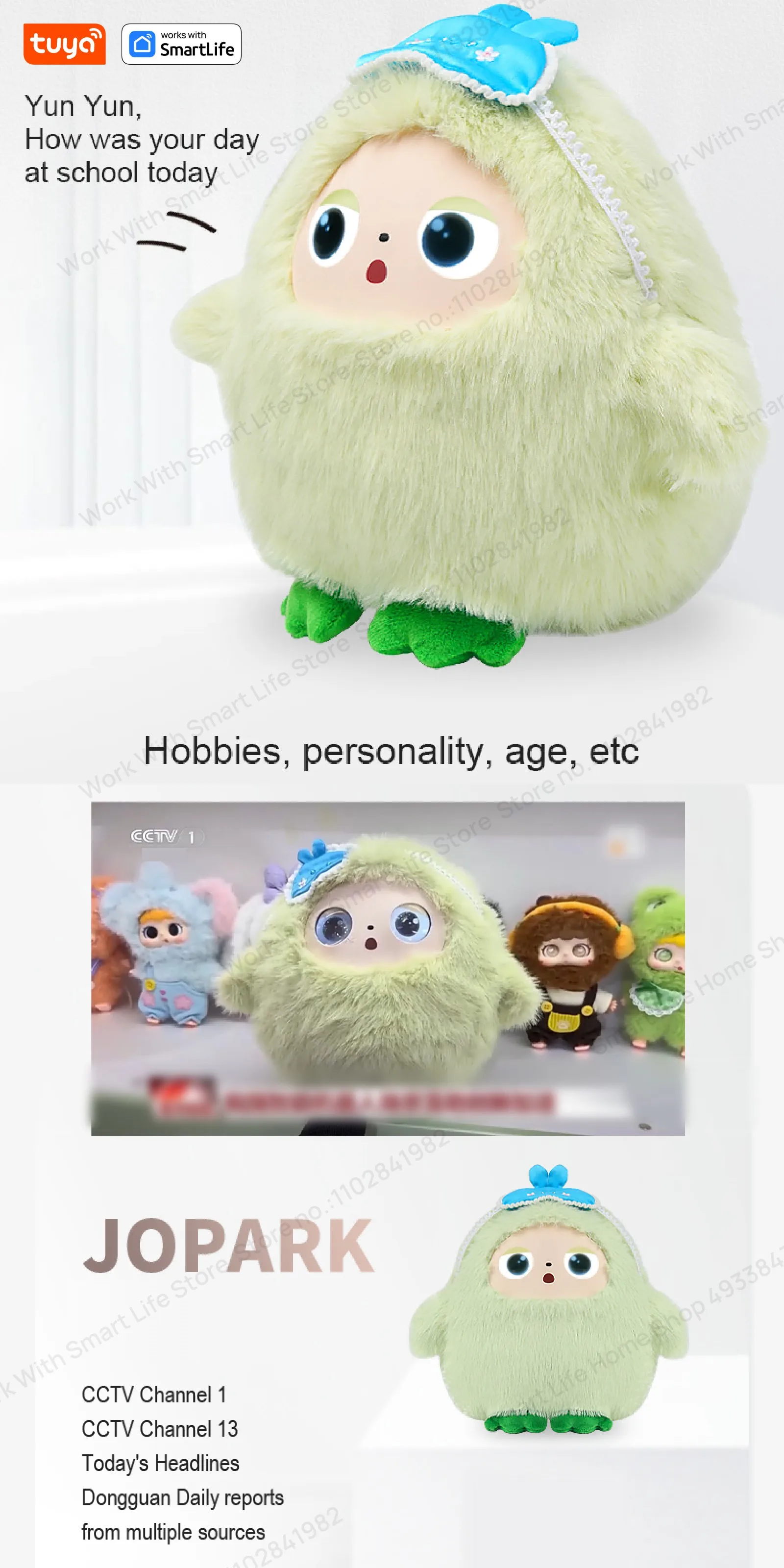
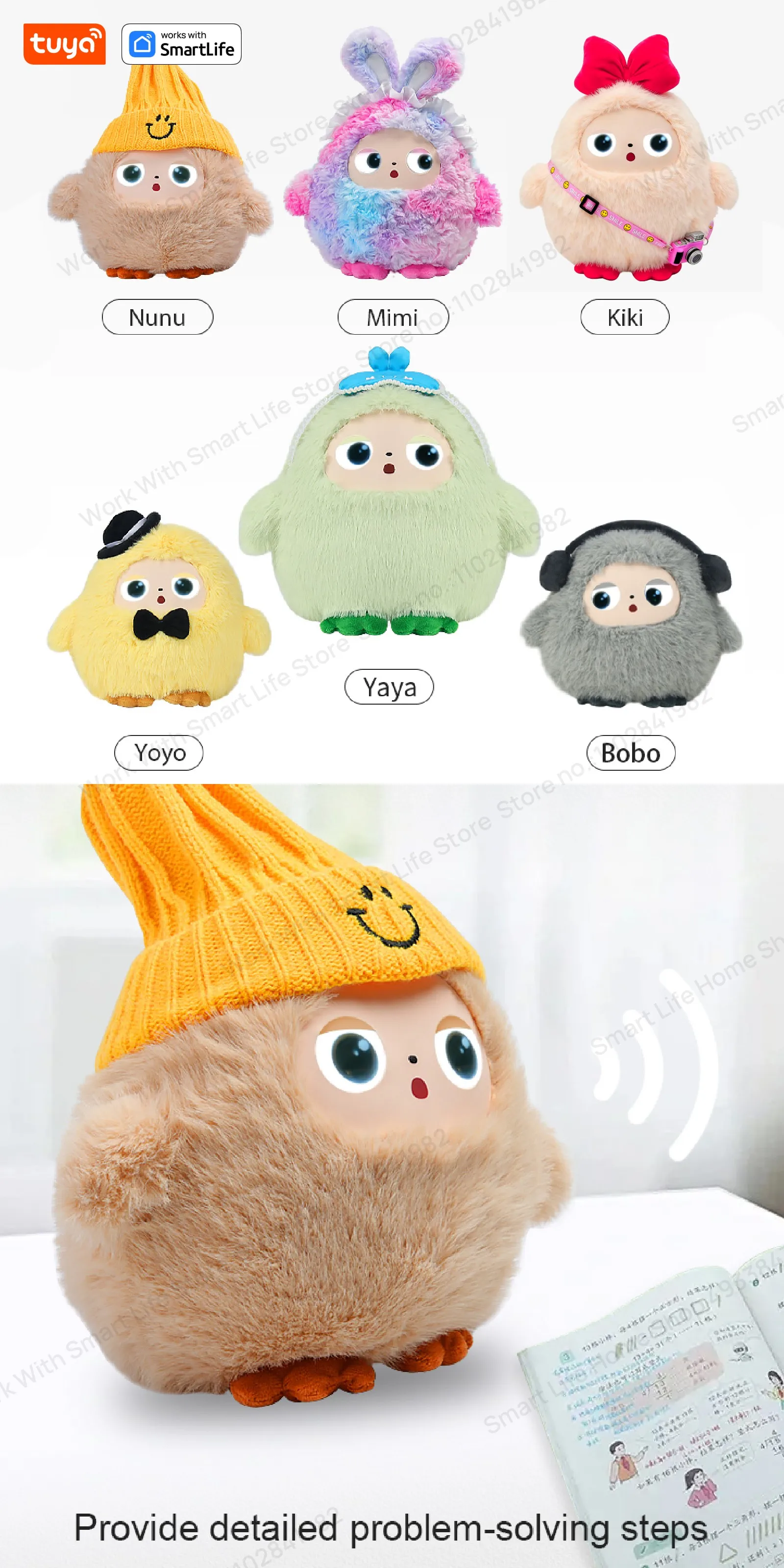
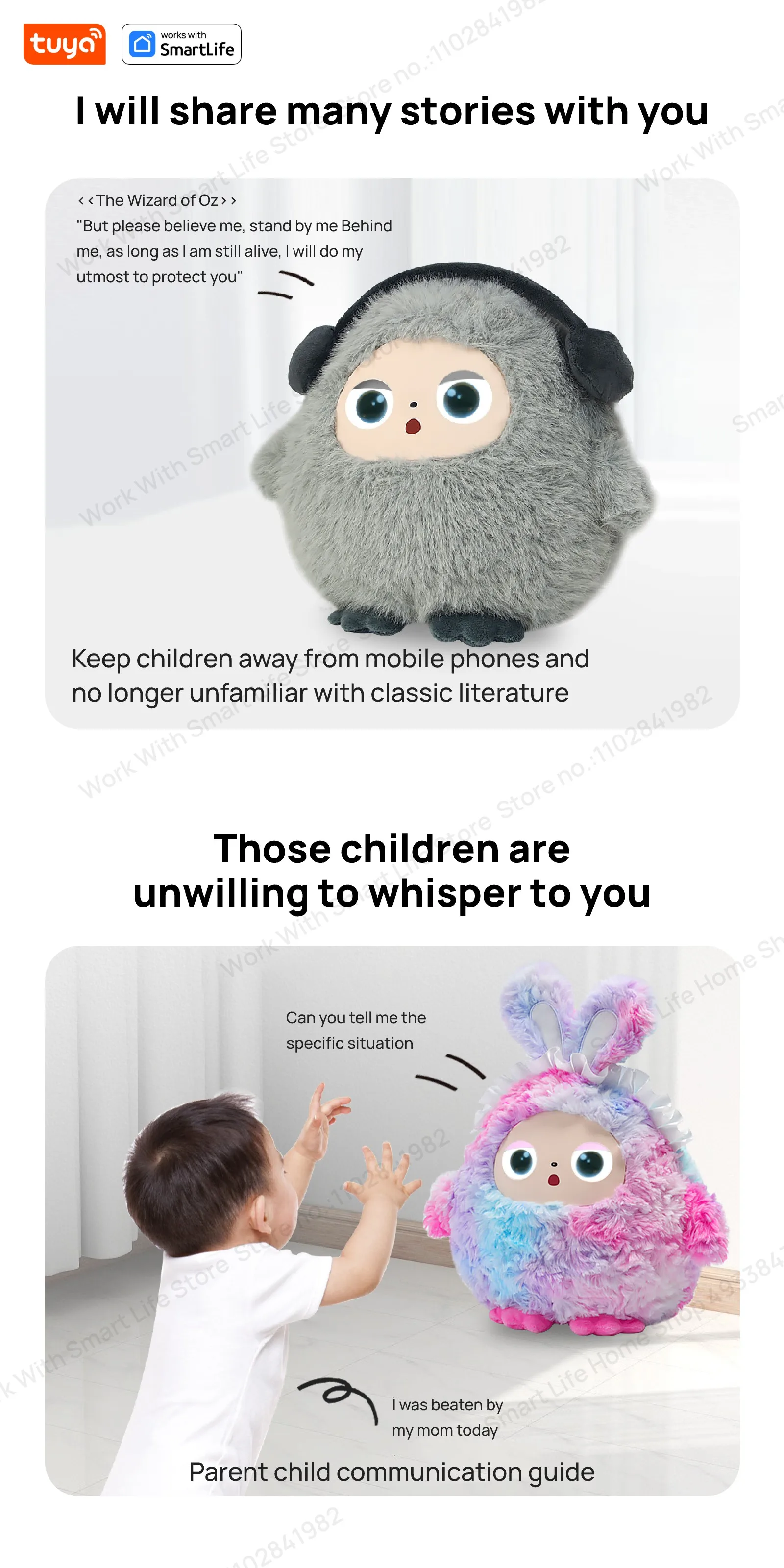
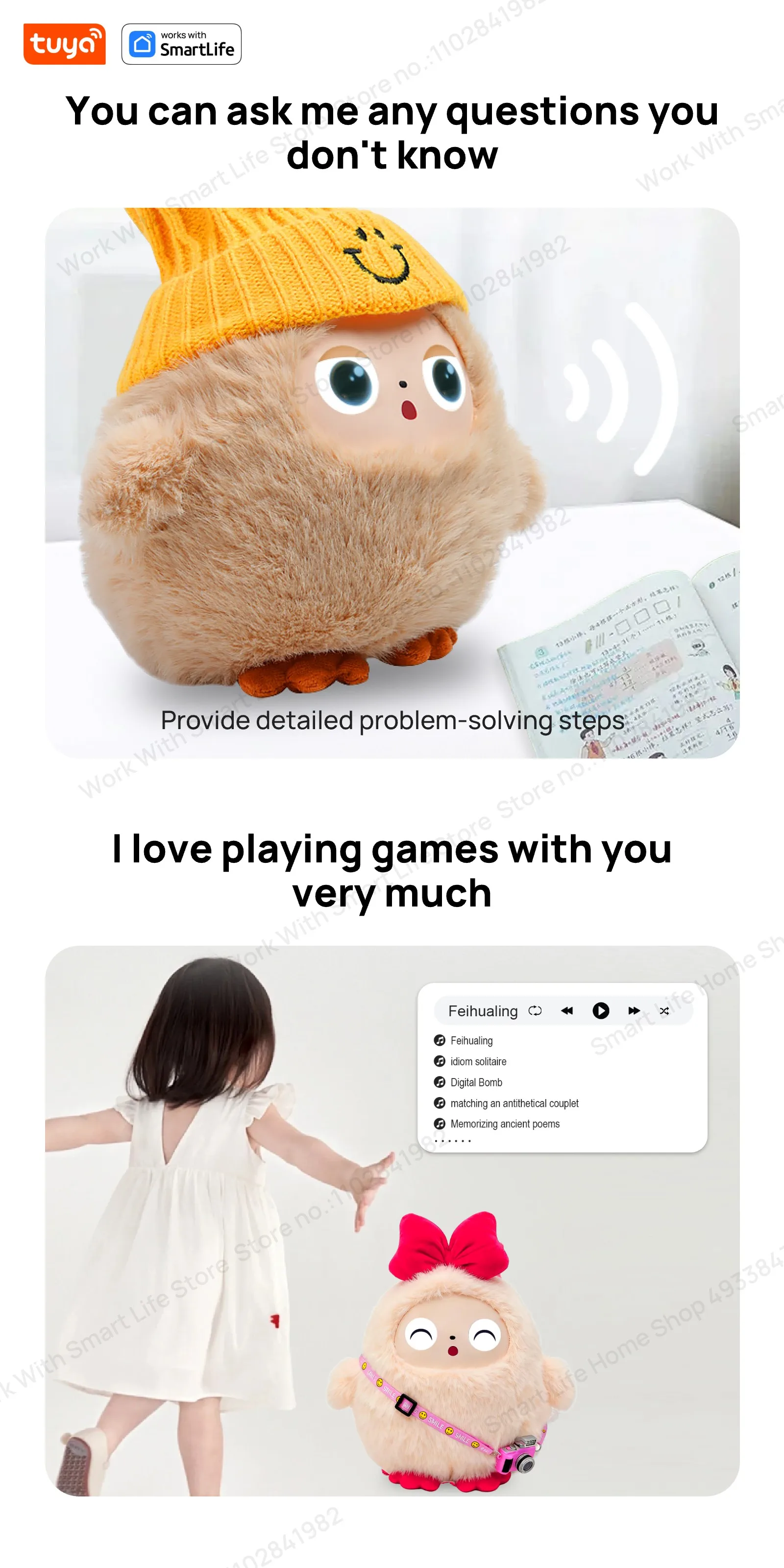
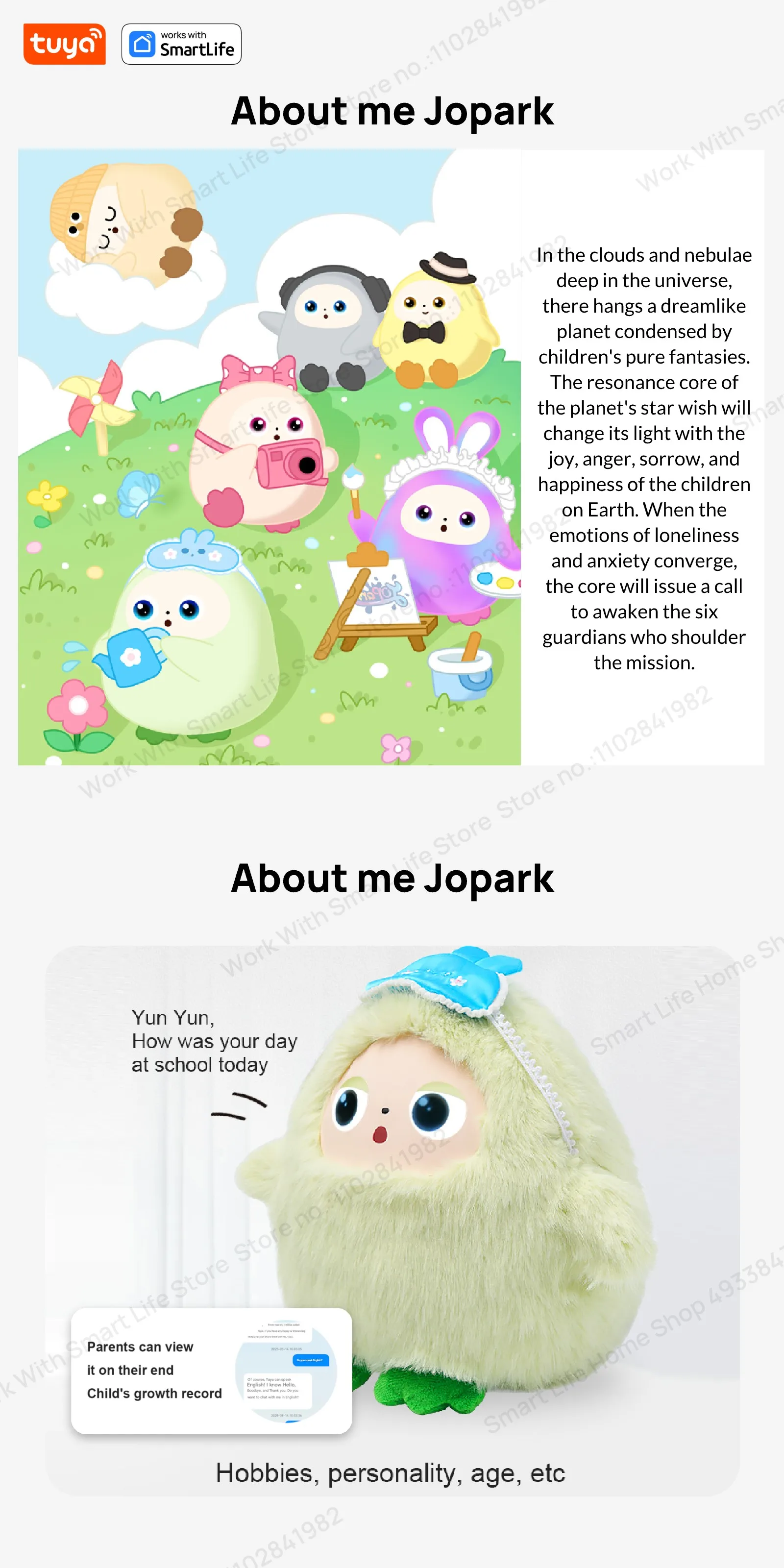
Cute Gray BOBO:AI Plush Robot Smart Interactive Toy w/LED Eyes&Voice Control,USB Rechargeable Companion for Kids Gifts/SmartHome
AI Plush Robot Smart Interactive Toys Interactive AI Plush Companion With LED Eyes&Voice Control, Gift-Ready, Rechargeable E-Pet open up fun life W/Tuya App,#1Gift Choice All AgesSmart Device Dialogue Mode Settings - Frequently Asked Questions📱 Supported Versions: Big Eyes Version: 5.1.68 & 6.1.46🔄 Dialogue Mode Types1️⃣ Wake-up Dialogue Mode (Default Mode)Q: How to use Wake-up Dialogue Mode?A: There are two wake-up methods:Button Wake-up: Press the button once → Device emits "Hi~&q
- Complete educational DIY robotics platform package
- Multiple degrees of freedom for realistic humanoid or quadruped movement
- Supports visual Scratch coding for beginners and Python for advanced users
- Equipped with high-performance metal gear servos and smart controllers
- Sturdy structural frame designed to withstand impact and stress
- Comprehensive step-by-step tutorials and rich sample code library
- Easily expandable with external sensors, cameras, and grippers
Need help before you buy?
Call iBuyRobotics for product guidance, compatibility questions, bulk orders, or support.
(855) I-BUY-ROBO (855) 428-9762AI Plush Robot Smart Interactive Toys Interactive AI Plush Companion With LED Eyes&Voice Control, Gift-Ready, Rechargeable E-Pet open up fun life W/Tuya App,#1Gift Choice All Ages
Smart Device Dialogue Mode Settings - Frequently Asked Questions
📱 Supported Versions: Big Eyes Version: 5.1.68 & 6.1.46
🔄 Dialogue Mode Types
1️⃣ Wake-up Dialogue Mode (Default Mode)
Q: How to use Wake-up Dialogue Mode?
A: There are two wake-up methods:
Button Wake-up: Press the button once → Device emits "Hi~" → Start dialogue
Voice Wake-up: Say "duomiduomi" → Device emits "Hi~" → Start dialogue
Q: How to interrupt dialogue?
A: After button wake-up: Press the button again to interrupt dialogue
After voice wake-up: Say "duomiduomi" to interrupt dialogue
2️⃣ Free Dialogue Mode
Q: What are the features of Free Dialogue Mode?
A: More flexible dialogue options, supporting:
Button wake-up: Press the button once → Device emits "Hi~" → Start dialogue
Voice wake-up: Say "duomiduomi" → Device emits "Hi~" → Start dialogue
⚙️ Mode Switching
Q: How to switch dialogue modes?
A: Press the button three times consecutively to switch between the two modes.
Default is wake-up dialogue mode.
Press three times consecutively to switch to any dialogue mode.
Press three times consecutively again to switch back to wake-up dialogue mode.
Q: How to confirm the current mode?
A: The device will provide a voice prompt when switching modes, informing you of the current dialogue mode.
🎯 Usage Tips
Hearing the "Hi~" prompt indicates successful wake-up.
The wake-up word "duomiduomi" can be used in both modes.
We recommend choosing the appropriate dialogue mode based on your usage habits.
For other questions, please contact customer service for further assistance.

Use Cases
STEM classrooms, programming labs, motion control algorithms, autonomous navigation testing, and personal learning projects.
Compatibility Notes
Fully programmable via Scratch visual block editor, Python, or C++ APIs. Requires rechargeable batteries and a desktop computer for code uploads.
Frequently Asked Questions
No, the kit features plug-and-play electronic connections and mechanical screw fasteners, making assembly clean and safe.
This kit is ideal for students aged 12 and up due to its assembly complexity, and younger builders with adult guidance.
Yes, all sample scripts, library wrappers, and firmware configurations are open-source and available for custom modifications.
Related Products
Other products in Robots that you may find useful.