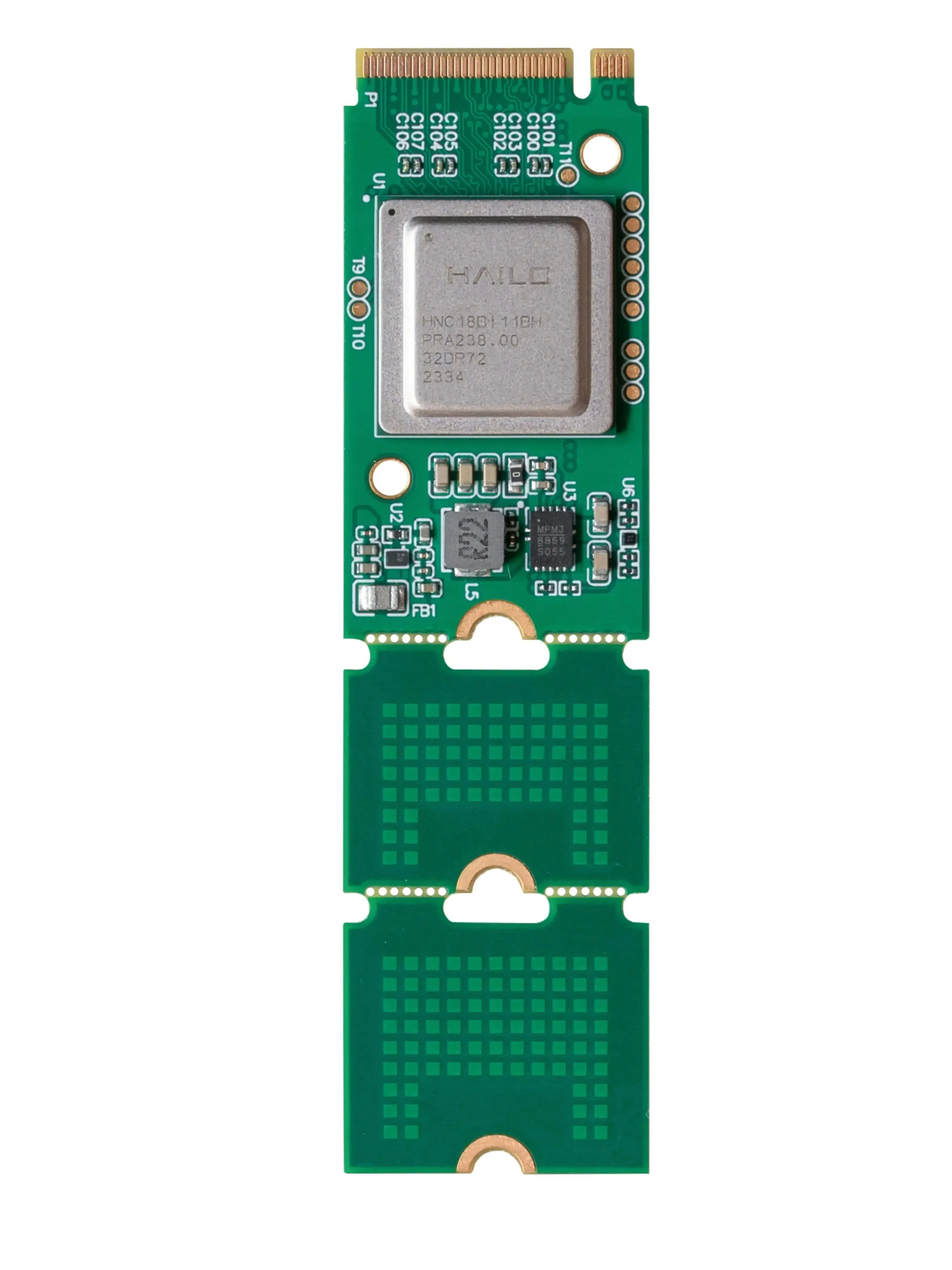
What Makes a Robot, a Robot?
Robots aren't just fancy machines; they're complex systems built from interconnected parts, each playing a vital role. Think of them like a living organism, with a skeleton, muscles, senses, a brain, and hands to interact with its environment. Understanding these fundamental building blocks is the first step to designing, building, or even just appreciating the robots around us.
In this guide, we'll explore the five core component categories that define almost every robot, from simple automated toys to sophisticated industrial manipulators. Each category is crucial for a robot's overall functionality and ability to perform its intended tasks.
Structure & Chassis
The physical body and framework that provides support, houses components, and defines the robot's form factor.
Motors & Actuators
The 'muscles' that convert electrical, hydraulic, or pneumatic energy into physical motion, enabling movement and manipulation.
Sensors
The 'senses' that gather information about the robot's internal state and its external environment, feeding data to the controller.
Controllers
The 'brain' that processes sensor data, executes programmed instructions, and sends commands to actuators.
End Effectors
The specialized 'hands' or tools attached to the robot's arm, designed to interact with objects or perform specific tasks.
Understanding each component's role is crucial for several reasons. It helps you troubleshoot problems, select the right parts for your specific project, optimize performance, and even innovate new robotic solutions. Without a solid grasp of these fundamentals, building a reliable and effective robot becomes significantly more challenging. It's the foundation for all advanced robotics knowledge.
 A robust chassis provides the foundational support for all other robot components.
What Holds Everything Together? The Robot's Body
Every robot needs a physical structure to house its components, provide stability, and define its overall form. This is where the chassis or frame comes in. It's the skeleton of the robot, dictating its size, shape, and how it interacts with its environment. The design of the chassis is critical, influencing everything from the robot's mobility to its payload capacity.
Materials like aluminum, steel, and various composites are commonly used, each offering different trade-offs in terms of weight, strength, and cost. For mobile robots, a lightweight yet strong chassis is often preferred to maximize battery life and speed. Industrial robots, on the other hand, might prioritize rigidity and vibration dampening for precision tasks. Thoughtful design also includes mounting points for motors, sensors, and controllers, ensuring everything fits securely and is easily accessible for maintenance.
To see how these structural elements come together in various robot types, explore our Robot Anatomy Visualizer.
 Motors and actuators are the 'muscles' that enable a robot to move its joints or propel itself.
How Do Robots Move and Manipulate? Motors & Actuators
Movement is fundamental to most robots, and it's achieved through components called actuators. An actuator is essentially a device that converts energy (electrical, hydraulic, or pneumatic) into mechanical motion. While motors are the most common type of actuator in robotics, the term 'actuator' encompasses a broader range of devices that create physical movement.
Different types of motors, such as DC motors, stepper motors, and servo motors, are chosen based on the specific requirements of the robot's movement. DC motors are simple and cost-effective for continuous rotation, while stepper motors offer precise positional control, and servo motors provide accurate angular positioning. Often, these motors are paired with gearboxes to increase torque and reduce speed, allowing for more controlled and powerful movements.
Electric Actuators: Precision & Cleanliness
Electric actuators, primarily motors, are the most common in robotics due to their precision, ease of control, and clean operation. They are ideal for applications requiring accurate positioning and moderate force. Examples include DC motors, servo motors, and stepper motors, found in everything from robotic arms to mobile platforms.
- Pros: High precision, clean operation, easy to control with electronics.
- Cons: Lower power density compared to hydraulic, can overheat under heavy loads.
Hydraulic Actuators: Power & Force
Hydraulic actuators use incompressible fluid under pressure to generate immense force and power. They are typically found in heavy industrial robots and construction machinery where high lifting capacities and robust performance are required.
- Pros: Extremely high force and power density, robust.
- Cons: Complex systems, prone to leaks, require maintenance, can be messy.
Pneumatic Actuators: Speed & Simplicity
Pneumatic actuators use compressed air to generate linear or rotary motion. They are known for their speed, simplicity, and cost-effectiveness, often used in pick-and-place operations or simple clamping tasks.
- Pros: Fast response, simple design, relatively inexpensive.
- Cons: Less precise control, noisy, requires air compressor.
For a deeper dive into how these components work and how to choose them, visit our Motors & Actuators Pillar Page or compare specific technologies in our Actuator Comparison Guide.
This versatile servo motor offers precise angular control and high torque, making it ideal for robotic arms, pan-tilt mechanisms, and mobile robot steering. Its digital feedback ensures accurate positioning for your projects.
 Sensors provide robots with crucial data, allowing them to perceive and react to their surroundings.
How Do Robots Sense Their Environment? The World Through Sensors
Just like humans rely on senses to understand the world, robots use sensors to gather data about their internal state and external environment. These electronic components convert physical phenomena (like light, distance, temperature, or pressure) into electrical signals that the robot's brain can understand and process. Without sensors, a robot would be blind, deaf, and unable to interact intelligently.
There's a vast array of sensor types, each serving a specific purpose. Proximity sensors detect nearby objects, vision sensors (cameras) allow robots to 'see,' force sensors measure contact, and Inertial Measurement Units (IMUs) track orientation and acceleration. The choice of sensors depends entirely on the robot's application and the type of information it needs to collect to perform its tasks effectively and safely.
Your Sensor Selection Checklist
0 of 5 completedTo explore the vast world of robotic perception, check out our Robot Sensors Pillar Page or use our Sensor Selection Framework to guide your choices. You can also dive into specific types with our Proximity Sensor Guide.
An essential for beginner and intermediate projects, this ultrasonic sensor provides reliable distance measurements, perfect for obstacle avoidance and basic navigation in mobile robots.
 The robot's controller acts as its brain, interpreting sensor data and issuing commands to actuators.
What's the Brain of a Robot? Processing & Control
The controller is the robot's brain, responsible for processing information from sensors, executing programmed instructions, and sending commands to the actuators. It's the central hub where all the robot's intelligence resides. This can range from simple microcontrollers for basic tasks to powerful single-board computers for complex, AI-driven applications.
Microcontrollers like Arduino or ESP32 are excellent for tasks requiring real-time control and simple logic, such as controlling motors based on sensor readings. For more complex robots that need to run operating systems, process large amounts of data (like from cameras), or implement advanced algorithms, single-board computers like the Raspberry Pi are often preferred. The controller's role is to continuously execute a 'sense-plan-act' loop, making decisions and coordinating all other components to achieve the robot's goals.
Which component is primarily responsible for executing programmed instructions and coordinating all other parts of a robot?
To delve deeper into the world of robot brains, explore our Robot Controllers Pillar Page or compare popular options in our Arduino vs. Raspberry Pi Comparison.
 End effectors are the specialized tools robots use to perform specific tasks, from grasping to welding.
How Do Robots Interact with Objects? Grippers & Tools
An end effector is the device at the 'end' of a robotic arm or manipulator, designed to interact with the environment or perform a specific task. Think of it as the robot's hand or tool. The type of end effector chosen is entirely dependent on the robot's application, as it directly dictates what the robot can physically do.
Common end effectors include grippers (which can have two, three, or even multiple fingers, or use vacuum suction), welding torches, paint sprayers, drills, or even specialized cameras for inspection. The design of an end effector is crucial for efficiency and precision. For instance, a gripper designed to handle delicate electronics will be vastly different from one built to lift heavy engine parts. Selecting the right end effector is key to a robot's ability to successfully complete its assigned work.
Learn more about these crucial interaction tools on our End Effectors Pillar Page.
This robust and easy-to-integrate parallel gripper is perfect for pick-and-place applications, assembly tasks, and general object manipulation in educational and hobby robotics projects.
Keeping the Lights On: Power Systems
No robot can function without a reliable power source. The power system encompasses everything from the energy storage (batteries) or supply (AC-DC converters) to the distribution network that delivers power to every component. Efficient and safe power management is paramount for a robot's operational longevity and performance.
Choosing the right battery chemistry (e.g., Lithium Polymer for high energy density, Nickel-Metal Hydride for safety) and ensuring proper voltage regulation are critical. Furthermore, the wiring and power distribution network must be designed to handle the required currents without excessive voltage drop or overheating, which can lead to component damage or system failure. Safety features like fuses and circuit breakers are essential to protect your robot and its surroundings.
Understand the fundamentals of powering your robot with our Robot Power Supply Basics guide and ensure robust connections with Wiring Your Robot: Best Practices.
The Symphony of Components: Integration Challenges
While understanding individual components is vital, the true magic of robotics lies in how these parts are integrated to work together seamlessly. This involves careful consideration of communication protocols, software architecture, mechanical assembly, and power distribution. A robot is only as good as its weakest link, and often, integration challenges are where projects face their biggest hurdles.
Ensuring that sensors can 'talk' to the controller, the controller can command the actuators, and all components receive stable power requires meticulous planning and execution. This is where concepts like communication buses (I2C, SPI, UART, CAN) and robust software frameworks (like the Robot Operating System - ROS) become indispensable tools for developers.
What is a communication protocol in robotics?
A communication protocol is a set of rules that allows different electronic components or software modules to exchange data. In robotics, this could be a simple serial connection (UART) for a sensor, or a more complex bus system like I2C or SPI for multiple devices, or even Ethernet for high-bandwidth communication between powerful processors.
Why is proper wiring important for robot integration?
Proper wiring is critical for several reasons: it ensures reliable power delivery, minimizes electrical noise that can interfere with sensor readings, prevents short circuits, and allows for efficient troubleshooting. Poor wiring can lead to intermittent failures, component damage, or even safety hazards.
What is ROS and why is it used in robotics?
ROS (Robot Operating System) is a flexible framework for writing robot software. It's not an operating system in the traditional sense, but a collection of tools, libraries, and conventions that simplify the task of creating complex and robust robot behaviors. ROS provides a standardized way for different parts of a robot's software (e.g., sensor drivers, navigation algorithms, motor controllers) to communicate and work together.
Ready to start programming your robot? Our Getting Started with Robot Programming: A Beginner's Guide is the perfect next step.
Continue Your Robotics Journey
Understanding the essential parts of a robot is just the beginning. Each component category offers a vast world of knowledge to explore. Dive deeper into specific areas to enhance your understanding and build more capable robots.
How Do Robots Move? Understanding Motors & Actuators
Explore the mechanics of motion, from DC motors to advanced servo systems, and learn how to choose the right 'muscles' for your robot.
How Do Robots Sense Their World? Exploring Sensor Technologies
Uncover the secrets of robotic perception, from proximity detection to complex vision systems, and empower your robot with awareness.
What's the Brain of a Robot? Microcontrollers & Control Systems
Journey into the mind of a robot, understanding how microcontrollers and single-board computers process information and make decisions.
How Do Robots Interact with Objects? Understanding End Effectors
Discover the diverse tools and 'hands' robots use to manipulate, grasp, and interact with their physical environment.