What You'll Learn About Robot Brains
Microcontrollers vs. SBCs
Understand the fundamental architectural and functional differences between these two core types of robot processing units.
Common Examples & Uses
Explore popular options like Arduino, ESP32, Raspberry Pi, and Jetson Nano, and see where each shines in robotics.
Making the Right Choice
Learn the critical factors to consider – from project complexity to power budget – to select the ideal 'brain' for your robot.
Practical Applications
See real-world examples of how microcontrollers and SBCs are deployed in various types of robots and automation.
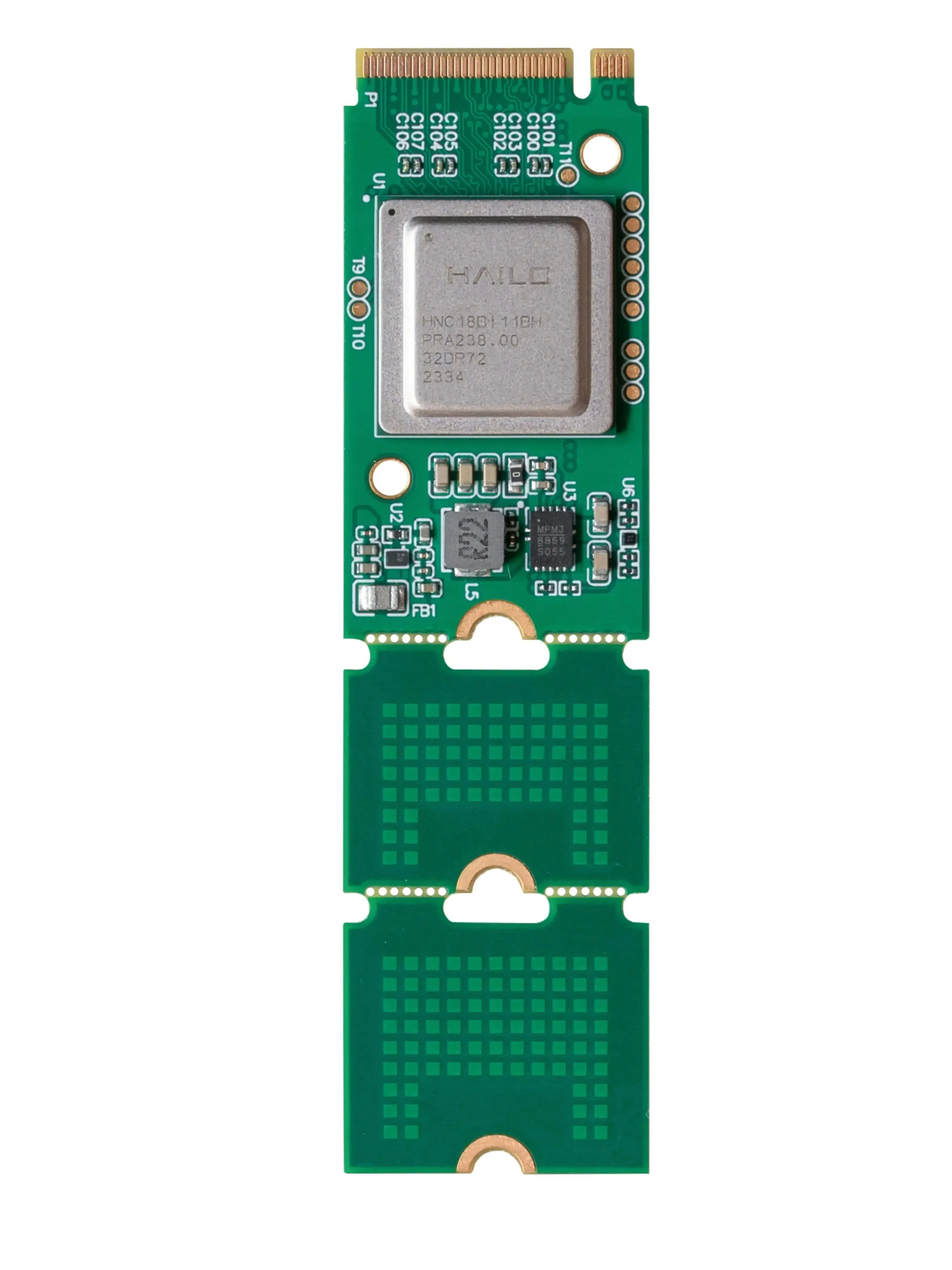
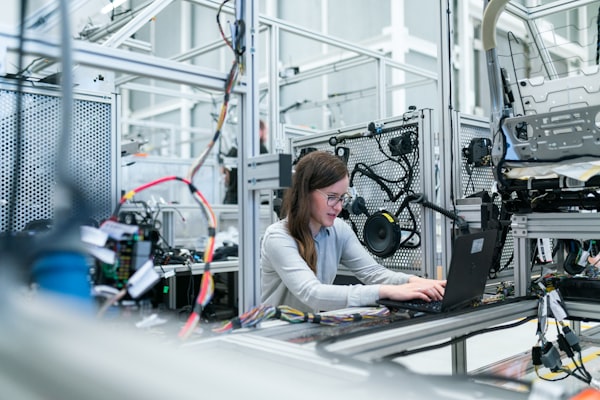
 The intricate world of electronics, where robot brains come to life.
What's the Difference Between a Microcontroller and a Single-Board Computer?
At the heart of every robot lies a 'brain' – a processing unit that dictates its actions. For hobbyists and professionals alike, the choice often boils down to two main categories: microcontrollers (MCUs) and single-board computers (SBCs). While both are compact computing devices, they are designed for fundamentally different purposes and excel in distinct applications.
Think of it this way: a microcontroller is like a highly specialized, efficient tool designed for one or a few specific jobs, while a single-board computer is a general-purpose mini-computer capable of running a full operating system and handling a wide array of tasks.
The core difference lies in their architecture. A microcontroller integrates a CPU, memory (RAM and Flash), and peripherals (like Analog-to-Digital Converters, Timers, GPIOs) all onto a single chip. This tight integration makes them incredibly efficient for real-time control and embedded systems. An SBC, on the other hand, typically features a more powerful, general-purpose CPU (often multi-core), separate RAM, and relies on external storage (like an SD card) for its operating system and data. It's built to be a miniature desktop computer, not just a controller.
 An Arduino Uno, a popular microcontroller for robotics and electronics projects.
Microcontrollers: The Efficient Workhorses of Robotics
Microcontrollers are the go-to choice for tasks requiring precise, real-time control and minimal overhead. They are designed to execute a single, dedicated program repeatedly and reliably. Think of them as the nervous system of your robot, directly interacting with sensors and actuators.
Their strengths lie in their simplicity, low power consumption, and deterministic behavior. When you need a motor to spin at an exact speed, a sensor reading to be processed instantly, or an LED to blink with precise timing, a microcontroller is often the best tool for the job. Popular examples include the Arduino family (Uno, Nano, Mega), ESP32, and various STM32 boards.
Which of these tasks is a microcontroller typically best suited for?
 A Raspberry Pi, a powerful single-board computer for advanced robotics.
Single-Board Computers: The Versatile Powerhouses
Single-board computers (SBCs) bridge the gap between microcontrollers and full-fledged desktop computers. They run a complete operating system (often a flavor of Linux), allowing for complex software applications, networking, and multimedia processing. This makes them ideal for robots that need to 'think' more, interact with the internet, or process large amounts of data.
SBCs are perfect for tasks like computer vision, artificial intelligence, complex path planning, and running graphical user interfaces. Their ability to handle multiple processes concurrently and integrate with standard software libraries opens up a world of possibilities for advanced robotics. The Raspberry Pi series (Pi 4, Pi 5), NVIDIA Jetson Nano, and BeagleBone Black are prominent examples in the robotics community.
For advanced robotics projects requiring significant processing power, multi-tasking, and AI capabilities, the Raspberry Pi 5 offers unparalleled versatility and community support.
Quick Comparison: Microcontroller vs. SBC
To help you visualize the core differences, here's a side-by-side look at how microcontrollers and single-board computers stack up across key criteria:
| Feature | Microcontroller (e.g., Arduino Uno, ESP32) | Single-Board Computer (e.g., Raspberry Pi, Jetson Nano) |
|---|---|---|
| Primary Purpose | Real-time control, embedded systems, dedicated tasks | General-purpose computing, complex applications, OS-driven tasks |
| Operating System | Typically none (bare-metal) or a simple RTOS (Real-Time OS) | Full-fledged OS (Linux distributions like Raspbian, Ubuntu) |
| Processing Power | Lower (MHz range), optimized for specific tasks | Higher (GHz range), multi-core, general-purpose CPU |
| Memory (RAM) | Kilobytes (KB) to a few Megabytes (MB) | Hundreds of Megabytes (MB) to several Gigabytes (GB) |
| Storage | Internal Flash memory (KB to MB) | External SD card, eMMC, or SSD (GBs) |
| Connectivity | GPIO, I2C, SPI, UART, sometimes Wi-Fi/Bluetooth | GPIO, I2C, SPI, UART, USB, Ethernet, HDMI, Wi-Fi/Bluetooth |
| Power Consumption | Very Low (milliwatts to a few watts) | Moderate to High (several watts to tens of watts) |
| Programming | C/C++, MicroPython, Arduino IDE | Python, C++, Java, Node.js, etc. (any language supported by OS) |
| Cost | Lower ($5 - $50) | Higher ($35 - $200+) |
Arduino: The Beginner-Friendly Microcontroller
Arduino boards are renowned for their ease of use and extensive community support, making them perfect for beginners. They excel at simple, repetitive tasks like reading sensors, controlling LEDs, and driving small motors. Their C++ based programming environment (Arduino IDE) simplifies development, abstracting away much of the low-level hardware interaction. Ideal for line-following robots, simple robotic arms, or home automation projects.
ESP32/STM32: Advanced Microcontrollers with More Power
The ESP32 and STM32 series offer more processing power, memory, and advanced features like built-in Wi-Fi and Bluetooth (ESP32) or high-performance real-time capabilities (STM32). They are suitable for projects requiring more complex sensor fusion, basic networking, or faster control loops than a standard Arduino. Think of Wi-Fi connected robots, small drones, or more sophisticated embedded systems.
Raspberry Pi: The Versatile Mini-Computer
Raspberry Pi boards are full-fledged Linux computers in a small form factor. They are excellent for projects needing an operating system, network connectivity, complex algorithms, or integration with external software. Use them for robots that require computer vision, AI/machine learning, web interfaces, or advanced navigation. They are a staple for autonomous mobile robots and complex robotic arms.
NVIDIA Jetson: AI Powerhouse for Robotics
NVIDIA Jetson boards are specialized SBCs designed for AI and machine learning applications at the edge. With powerful GPUs, they can handle demanding tasks like real-time object detection, facial recognition, and complex neural network inference directly on the robot. If your robot needs to 'see' and 'understand' its environment with advanced AI, a Jetson board is an excellent choice.
How Do I Choose the Right Brain for My Robot?
Selecting the perfect processing unit for your robot isn't a one-size-fits-all decision. It depends heavily on your project's specific requirements. Use this interactive guide to help narrow down your options based on common robotics scenarios.
What's the primary function or complexity level of your robot project?
Recommendation: Microcontroller (e.g., Arduino, basic ESP32)
For projects focused on direct hardware interaction, precise timing, and low power consumption, a microcontroller is your best bet. They are cost-effective, easy to program for basic tasks, and provide excellent real-time performance. Think of simple line followers, remote-controlled cars, or basic sensor data acquisition.
An excellent choice for beginners and intermediate users, offering robust control with added Wi-Fi capabilities for basic IoT integration.
Recommendation: Advanced Microcontroller (e.g., ESP32) or Entry-Level SBC (e.g., Raspberry Pi Zero)
If your robot needs to connect to the internet, log data, or perform slightly more complex tasks that benefit from a small operating system, an advanced microcontroller like the ESP32 (with built-in Wi-Fi/Bluetooth) or a compact SBC like a Raspberry Pi Zero W could be ideal. The choice depends on how much processing power and OS features you truly need.
Recommendation: Single-Board Computer (e.g., Raspberry Pi 4/5, NVIDIA Jetson Nano)
When your robot requires significant processing power for tasks like computer vision, machine learning, complex navigation algorithms, or running a full graphical interface, a single-board computer is essential. These devices provide the computational horsepower and software flexibility needed for truly intelligent and autonomous robots.
Key Considerations for Your Project
Beyond the core differences, several practical factors will influence your decision. Keep these in mind as you plan your robot:
Powering Your Robot's Brain: Why It Matters
The power requirements of your chosen 'brain' directly impact your robot's battery life and overall design. Understanding these differences is crucial for effective power management.
As you can see, the power draw difference is substantial. A microcontroller can run for days or weeks on a small battery, while an SBC might drain the same battery in hours. This is a critical factor for mobile robotics. For a deeper dive into managing your robot's energy, check out our guide on Powering Your Robot: Batteries & Power Management.
 Industrial robots often combine microcontrollers for precise motion with SBCs for higher-level tasks.
Real-World Robotics Applications: Where Each Brain Shines
Let's look at some practical examples to solidify your understanding of when to use which type of processing unit:
Line-Following Robot or Simple Obstacle Avoider?
Microcontroller. These robots require fast, direct responses to sensor inputs (e.g., IR sensors detecting a line or proximity sensors detecting an obstacle) to control motors. An Arduino Uno or similar is perfectly suited for this, offering the necessary real-time performance and simplicity.
Autonomous Mobile Robot with Navigation and Object Detection?
Single-Board Computer (e.g., Raspberry Pi, NVIDIA Jetson). This type of robot needs to process camera feeds, run complex navigation algorithms (SLAM), and potentially identify objects. An SBC provides the computational power, memory, and operating system environment required to run these advanced software packages.
Robotic Arm for Precise Pick-and-Place Tasks?
Often a combination. A microcontroller might handle the low-level, real-time control of each servo or stepper motor for precise joint movements. An SBC could then act as the 'master' controller, providing high-level commands, processing vision data for object recognition, and managing overall task execution.
IoT-Connected Weather Station Robot?
Advanced Microcontroller (e.g., ESP32) or Entry-Level SBC. If the robot primarily collects sensor data and sends it to a cloud service, an ESP32 with its integrated Wi-Fi is highly efficient. If it also needs to run a local web server, store large datasets, or perform complex local analysis, a Raspberry Pi Zero W might be more suitable.
Programming Your Robot's Brain
The choice of microcontroller or SBC also influences your programming environment and language. Microcontrollers are typically programmed in C/C++ (often with the Arduino IDE for simplicity) or MicroPython. These environments give you direct control over hardware but require a good understanding of low-level operations.
SBCs, running a full operating system, offer much more flexibility. You can program in Python, C++, Java, Node.js, or almost any language supported by Linux. Python is particularly popular in robotics for SBCs due to its readability and extensive libraries for AI, computer vision, and hardware interaction. To learn more about bringing your code to life, explore our guide on Coding Your Robot: From Basics to Advanced Control.
Your Robotics Brain Selection Checklist
Before making your final decision, run through this checklist to ensure you've considered all the critical aspects of your project:
Confirm Your Needs
0 of 7 completedWhere Do You Go From Here?
Choosing the right brain is a foundational step in your robotics journey. Whether you opt for the efficient simplicity of a microcontroller or the powerful versatility of an SBC, understanding their strengths and weaknesses will empower you to build more capable and reliable robots. Keep exploring, keep building, and don't be afraid to experiment!
Further Reading