What Makes a Robot, a Robot?
At its core, a robot is a machine designed to perform tasks autonomously or semi-autonomously. But what exactly are the fundamental building blocks that enable this? Think of a robot as a system, much like a living organism, with distinct parts working in harmony. Understanding these essential components is the first step in demystifying robotics and preparing you to build or select the right robot for your needs.
The Structure (Body)
This is the physical framework, chassis, or shell that provides support and houses all other components. It dictates the robot's form factor and durability.
The Brain (Controller)
The microcontroller or microprocessor that processes information, makes decisions, and sends commands to the robot's moving parts. It's where the programming lives.
The Senses (Sensors)
Devices that allow the robot to perceive its environment, gathering data about distance, light, temperature, motion, and more, feeding it back to the brain.
The Muscles (Actuators)
Components like motors, gears, and hydraulics that convert electrical energy into physical motion, allowing the robot to move, grasp, or manipulate objects.
 Different types of motors and gears are the 'muscles' that bring a robot to life.
How Do Robots Move? Exploring Actuators
Actuators are the components responsible for a robot's physical movement and interaction with the world. They convert energy, typically electrical, into mechanical force. The most common type of actuator in robotics is the motor, but not all motors are created equal. Choosing the right motor depends heavily on the task your robot needs to perform.
From simple rotation to precise positioning, motors come in various forms, each with its own strengths. Understanding these differences is key to designing a robot that moves effectively and efficiently.
Torque is the rotational force a motor can produce, essentially its 'strength' to turn or move a load. High torque is needed for lifting heavy objects or moving large robots. Speed refers to how fast the motor can rotate or how quickly it can move a load. Often, there's a trade-off: motors designed for high torque may have lower speeds, and vice-versa. Your robot's application will dictate which is more critical.
| Motor Type | Best For | Key Characteristic | Complexity |
|---|---|---|---|
| DC Motors | Continuous rotation, simple drive systems (wheels) | High speed, simple control | Low |
| Stepper Motors | Precise angular positioning, open-loop control | Exact step-by-step movement | Medium |
| Servo Motors | Precise angular positioning, closed-loop control | High precision, holds position | Medium |
| Brushless DC (BLDC) | High power, efficiency, long lifespan | High efficiency, less maintenance | High |
Ideal for beginners and intermediate projects requiring precise angular control, like robotic arms or pan-tilt camera mounts. Easy to integrate with most microcontrollers.
For a deeper dive into one of the most versatile motor types, explore our guide on How Do Servo Motors Actually Work?
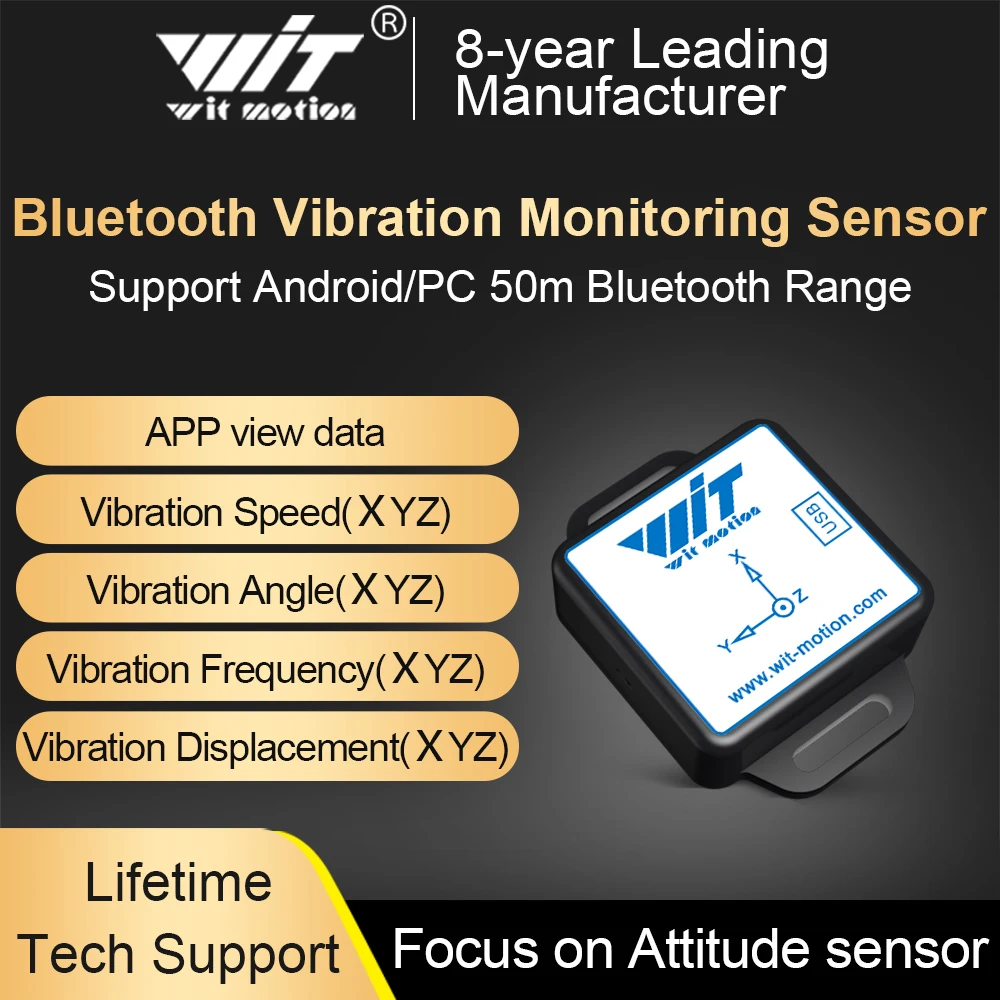
 A variety of sensors allow robots to gather data about their surroundings.
How Do Robots Sense Their World? Understanding Sensors
If actuators are the muscles, then sensors are the eyes, ears, and touch of a robot. They provide the crucial input that allows a robot to understand its environment, react to changes, and perform tasks intelligently. Without sensors, a robot would be blind and deaf, unable to navigate or interact meaningfully.
The type of sensor a robot needs depends entirely on its purpose. A robot designed to navigate a room will need distance sensors, while one monitoring plant health might use light and moisture sensors. The data collected by these sensors is fed back to the robot's brain for processing and decision-making.
Which type of sensor is best suited for a robot that needs to detect nearby objects and avoid collisions?
To explore the vast world of robotic perception, check out our comprehensive Which Sensor Does Your Robot Need? A Practical Guide.
 Microcontrollers like Arduino serve as the central brain for many robotics projects.
What's the Brain of a Robot? Microcontrollers & Processors
Every robot needs a brain to process information, make decisions, and execute commands. In robotics, this role is typically filled by a microcontroller or a microprocessor. While both are computing devices, they serve different purposes based on the complexity of the robot's tasks.
A microcontroller is a compact computer on a single integrated circuit, designed for specific control tasks. Microprocessors, often found in single-board computers like the Raspberry Pi, are more powerful, general-purpose computing units capable of running operating systems and handling complex computations, vision processing, or AI algorithms.
What's your robot's primary processing need?
Go with a Microcontroller (e.g., Arduino)
For tasks like controlling motors, reading simple sensor data, or performing repetitive actions, a microcontroller offers simplicity, low power consumption, and excellent real-time performance. It's perfect for many hobby and educational robots.
Consider a Microprocessor (e.g., Raspberry Pi)
If your robot needs to run an operating system, process camera feeds, implement advanced AI, or connect to the internet, a microprocessor provides the necessary computing power and flexibility. It's more like a small computer for your robot.
Microcontroller is often ideal
For applications requiring precise timing and direct hardware control without the overhead of an operating system, microcontrollers excel. They are designed for embedded systems where reliability and predictable performance are paramount.
Ready to compare the top contenders? Read our Arduino vs. Raspberry Pi: Which Brain for Your Robot? guide.
 Batteries are the lifeblood of mobile robots, requiring careful selection and management.
How Do Robots Get Their Power? Batteries, Adapters & More
Just like any electronic device, robots need a reliable power source. For mobile robots, this almost always means batteries. The choice of battery type, capacity, and voltage significantly impacts a robot's performance, run time, and overall design. Understanding power management is crucial for both safety and functionality.
Beyond the battery itself, a robot's power system includes voltage regulators, power distribution boards, and charging circuits. These components ensure that each part of the robot receives the correct voltage and current, preventing damage and optimizing efficiency. Improper power management can lead to erratic behavior or even permanent component failure.
What are the most common battery types for robots?
The most common types are Lithium Polymer (LiPo), Nickel-Metal Hydride (NiMH), and Alkaline. LiPo batteries offer high energy density and discharge rates, making them popular for performance robots, but require careful handling. NiMH are safer and more robust for general use, while Alkalines are good for low-power, short-term applications.
How do I choose the right battery voltage and capacity?
Voltage should match the requirements of your motors and microcontroller. Capacity (measured in mAh or Ah) determines how long your robot can run. Calculate the total current draw of all components and then choose a battery with sufficient capacity to meet your desired run time, always leaving a buffer.
What are the safety considerations for robot power systems?
Always use appropriate fuses to protect against short circuits. Be mindful of battery chemistry, especially LiPo, which can be volatile if overcharged, over-discharged, or physically damaged. Use proper charging equipment and monitor battery health. Ensure all connections are secure to prevent intermittent power or arcing.
Dive deeper into selecting and managing your robot's energy with our guide: How to Power Your Robot: Batteries, Adapters & More.
 The chassis provides the foundational structure and mounting points for all robot components.
What Holds a Robot Together? Frames and Chassis
The physical structure of a robot, often called its frame or chassis, is more than just an aesthetic shell. It's the backbone that supports all other components, provides stability, and dictates the robot's overall form factor and capabilities. A well-designed chassis ensures that motors, sensors, and the controller are securely mounted and protected.
Material choice for the chassis is critical. Common materials include aluminum for strength and lightness, acrylic for ease of prototyping and visibility, and 3D-printed plastics for custom shapes and rapid iteration. The design must account for weight distribution, rigidity, and accessibility for maintenance and upgrades.
Chassis Design Considerations Checklist
0 of 4 completed Software is the language that tells a robot what to do and how to react.
How Do You Talk to a Robot? Software and Programming
Even with all the right hardware, a robot is just a collection of inert parts without software. Programming is the process of giving the robot instructions – telling its brain how to interpret sensor data, how to control its actuators, and what actions to take. This is where the robot's intelligence and autonomy truly come to life.
The choice of programming language and development environment often depends on the robot's controller and complexity. Simple microcontrollers might use C++ (like with Arduino IDE), while more advanced robots with microprocessors often leverage Python or even specialized robotics frameworks like ROS (Robot Operating System). Learning to code is an empowering step in your robotics journey.
Ready to start coding? Our Ready to Code Your Robot? A Beginner's Programming Intro is the perfect place to begin.
Your Robotics Journey Starts Here
Understanding the core components of a robot is more than just technical knowledge; it's the foundation for innovation. As you delve deeper, you'll see how these parts combine to create machines that solve real-world problems and push the boundaries of what's possible.
Ready to Dive Deeper?
Now that you have a solid understanding of how robots work and their essential parts, you're well-equipped to explore more specific topics or even start your first project. Continue your learning journey with these related guides:
Where Should Your Robotics Journey Begin?
Explore our central hub for all things robotics, guiding you from beginner to expert.
Which Robot is Right for Your First Project?
Get recommendations for beginner-friendly robots based on your interests and goals.
Planning Your Robot Project: From Idea to Reality
Learn the essential steps to plan, design, and execute your own robotics creation.